
Astropad’s Rock Paper Pencil

Astropad’s Rock Paper Pencil is a textured screen protector and a replacement Apple Pencil tip that should be part of every artist’s toolbox.
The iPad is a fantastic tool for creative people, especially since the Apple Pencil was released. While we believe Apple did a great job, there is still room for improvement when it comes to drawing and writing on the iPad.
For artists looking to upgrade their drawing and writing experience on iPad, the Astropad Rock Paper Pencil kit is a game-changer. This screen cover has been designed with precision and realism in mind, providing a paper-like texture, easy application, and a fine ballpoint tip for unparalleled control.
Rock Paper Pencil review – design
Astropad’s Rock Paper Pencil screen protector features a matte finish that mimics the texture of paper while minimizing glare. The first version attached to your iPad screen magnetically and could be removed easily.
This new version attaches more like a traditional screen protector with static cling, and the application was effortless.
Though we preferred the first version a little better, each has pros and cons. The new version feels like you probably shouldn’t take it off your iPad for fear of dust sticking to it upon reapplication.
Still, to be fair, we didn’t take the first version off our iPad, and the edges got dinged up a fair amount. This second version feels like it’ll last a lot longer. Again, it’s not a major deal either way.
Unlike some alternatives that simply change the screen’s texture or the Pencil tip, the Rock Paper Pencil combines a custom Apple Pencil tip with a precisely engineered screen protector. We adore this approach.
The combination creates a remarkably realistic pen-on-paper feel when using your iPad, making drawing and taking notes less strenuous on your hand.
Rock Paper Pencil review – in use
One common frustration with drawing on the iPad’s glass screen is the slippery surface, which can hinder the consistency of strokes. It also can lead to debilitating hand cramps while working or writing for a long period of time.

Rock Paper Pencil review: we accidentally ordered the incorrect protector for our iPad Air — if you order yours, it will have the correct cutout
By adding that subtle friction back, you’ll find that you have way more control over how you lay down a line. Writing notes also feels better, significantly improving our handwriting legibility versus writing on the bare iPad screen.
The super-fine ballpoint tip ensures precise control, resulting in controlled and accurate lines — and it really does feel like writing or drawing with a ballpoint pen. In addition, the pencil tip and screen protector are wear-resistant, promising long-lasting durability.
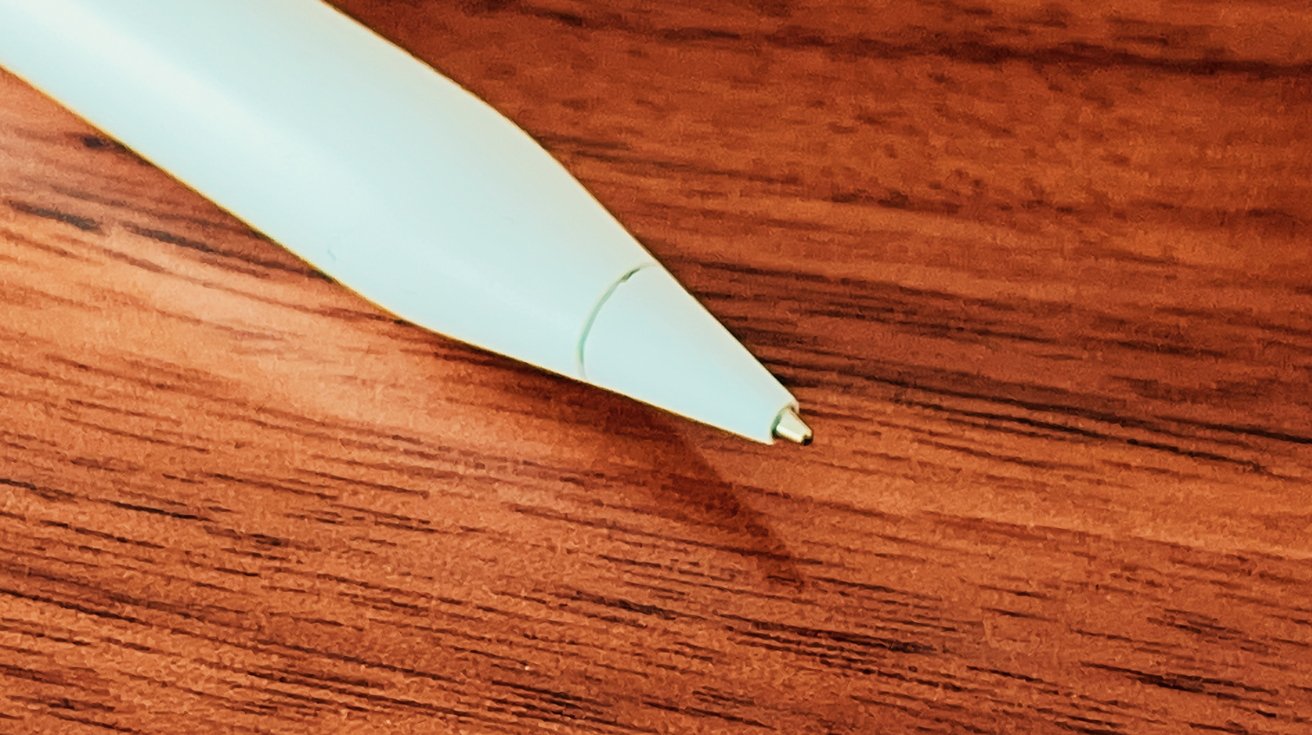
Rock Paper Pencil review: the stylus tip feels nearly identical to a ballpoint pen on paper
We were able to work in Procreate for several hours at a time without hand cramps, which isn’t the case if we use the Apple Pencil directly on the iPad screen. You need to experience it to understand it, and if you’re an artist who primarily works on iPad, we can’t recommend it enough.
Another benefit is that the nano-texture technology used in this screen protector reduces glare and reflections while working. This is great if you’re working in a particularly bright space, like an office with many windows.
One small thing to note is that you will smudge the screen protector. Pretty much no matter what you do, this screen protector will collect a fair amount of fingerprints as you use it.
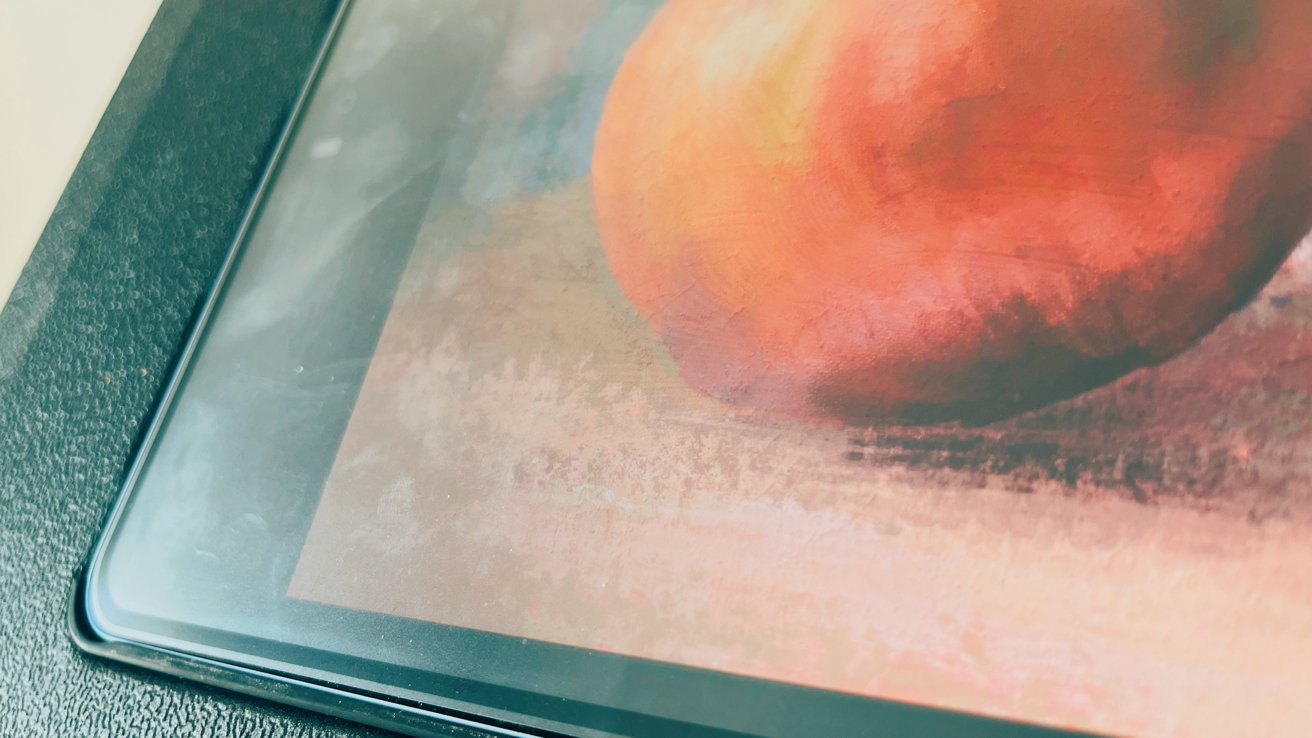
Rock Paper Pencil review: the screen protector does collect fingerprints, though they’re not terribly visible head-on
One of the advantages of the nano-texture technology used in this product is that when you look straight on, you won’t be able to notice any streaks. However, the downside is that it can be a bit more difficult to clean. Astropad recommends using a lint-free wipe and 70% isopropyl alcohol to clean it. Although this method works, it may take a few attempts to clean it thoroughly.
Overall, we’re big fans of the Rock Paper Pencil. Not only does it make it significantly more comfortable to write and draw on your iPad, but its glare reduction is fantastic. This might be the best artist-geared iPad screen protector we’ve tried.
Rock Paper Pencil pros
- Added friction makes writing, drawing comfortable
- Custom pen tip improves accuracy
- Very easy to install
- Damage-free removal
- Easy to apply
Rock Paper Pencil cons
- Some users may prefer the original magnetic attachment style
Rating: 5 out of 5
Where to get Rock Paper Pencil






![Ugreen’s powerful 200W GaN charger is perfect for desktop or traveling [Review] ★★★★☆](https://behalfofapple.com/wp-content/uploads/2022/10/IMG_1716-120x86.jpg?crop=1)



