It’s never been easier to hook your iPhone up to a music player — be that a Bluetooth speaker, a smart speaker, or even an AirPlay-supported amplifier or AV receiver. For those with older hardware, or more focused audio devices, however, it might seem like there are fewer options beyond the expensive Hi-Fi separates that can cost upwards of $500.
There are actually loads of options, not least the Wiim Pro which I’ve already had the privilege of checking out. There’s really only one option that you should choose now, however, with the Wiim Pro Plus. You needn’t look further than Wiim’s latest if you want to get your iPhone to play music over your older audio hardware.
Wiim Pro Plus: Price and availability
The Wiim Pro Plus is available from all your favorite retailers, including Amazon, the Wiim store, and anywhere else you might shop for your home Hi-Fi needs. It’s going to cost you $219 — and while that might initially sound like a lot, it works out to be a Hi-Fi bargain.
The Wiim Pro, the non-plus variant that we’ve looked at before, does come in slightly cheaper, but it doesn’t have the snazzy remote in the box that comes with the Plus.
Wiim Pro Plus: Features and build

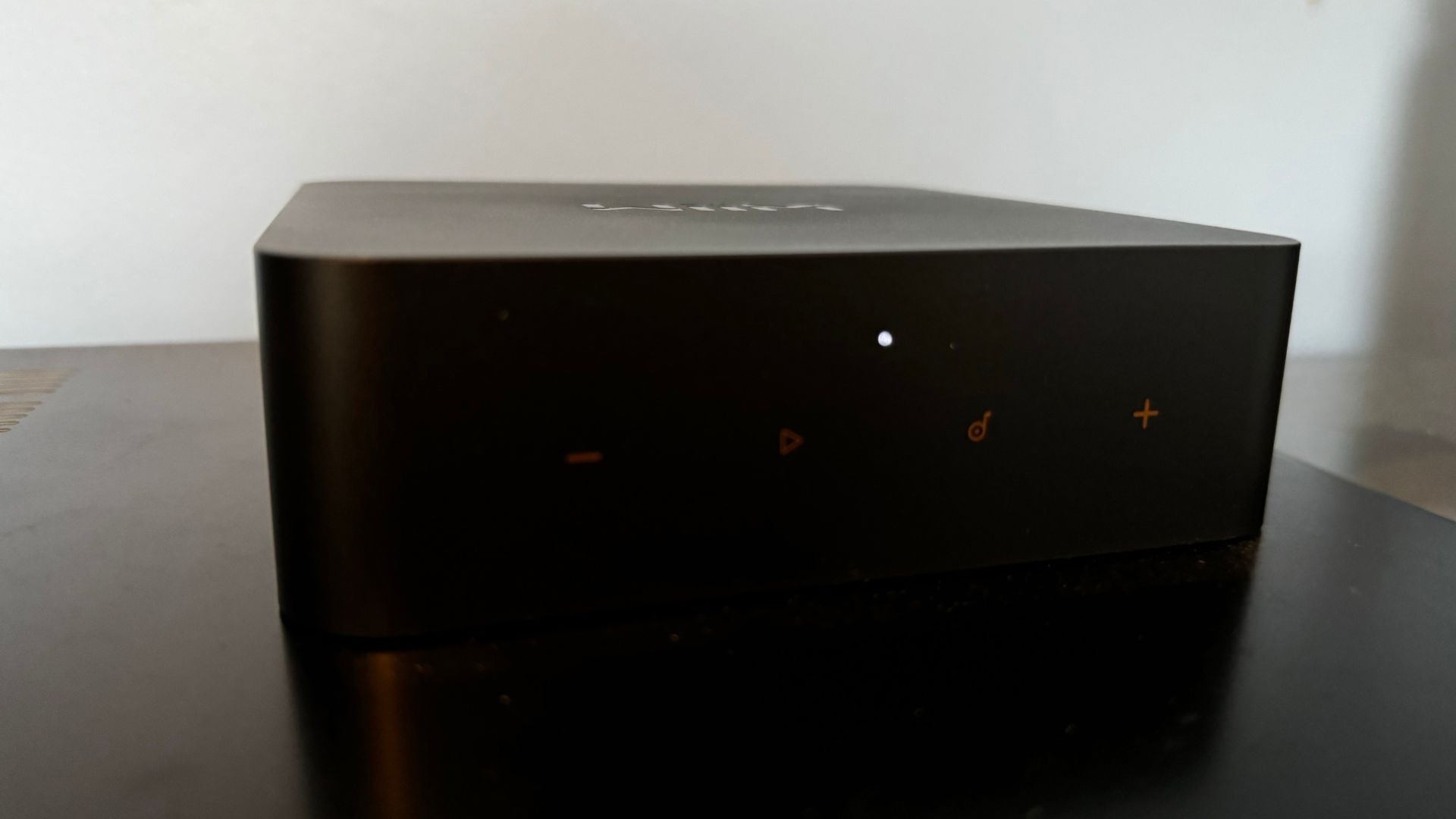
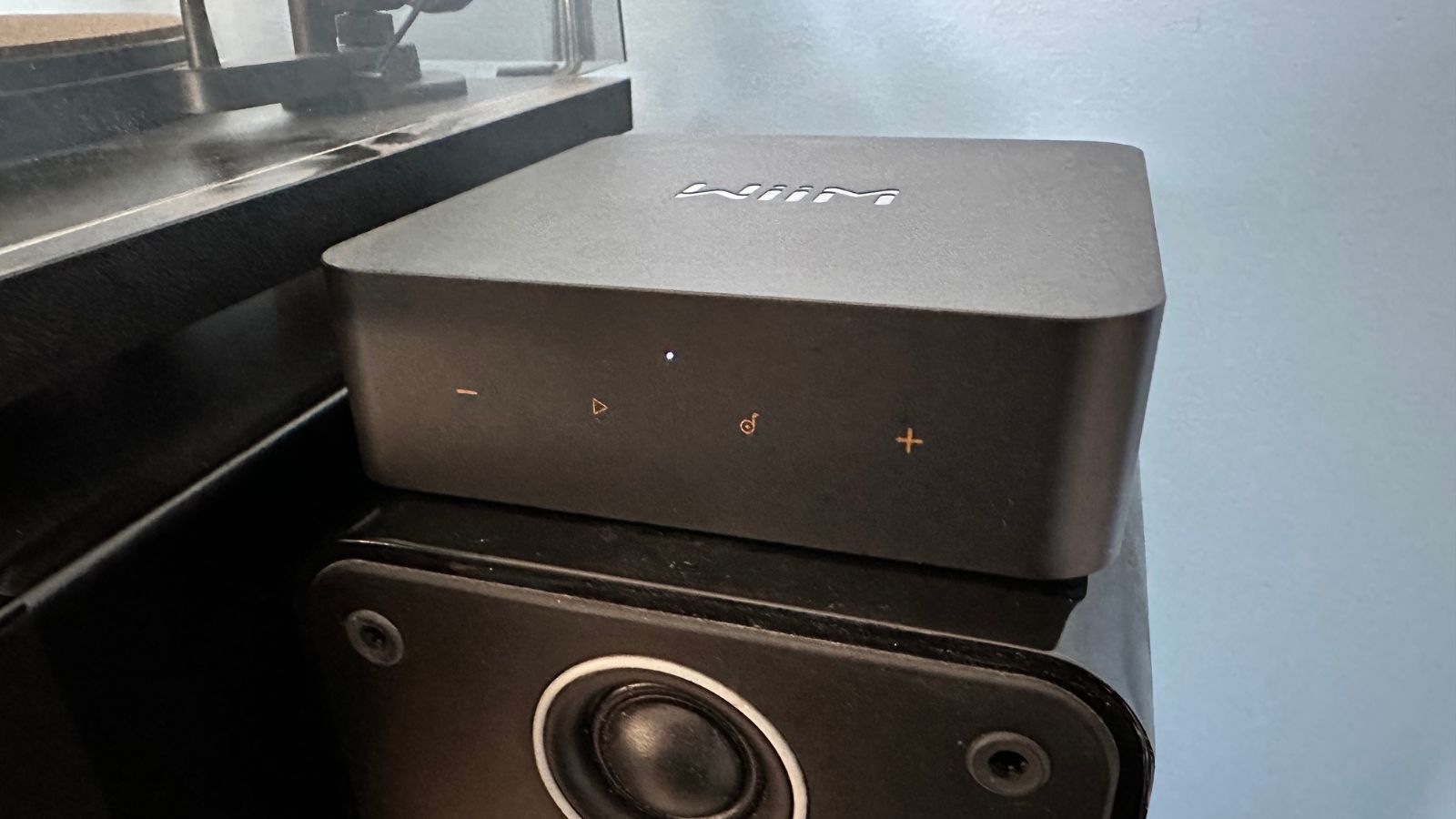
Upon first inspection, the Wiim Pro Plus looks almost identical to the previous version, the Wiim Pro. It’s got the same shape, plastic build, touch-sensitive buttons on the front, and clean, angular form. It’s no problem — the Wiim Pro looked simple, subtle, and attractive, and now the Pro Plus does too.
It does deviate in a couple of ways to tell you that it’s the more expensive variant, however. For one, the touch buttons are now a dark shade of yellow rather than silver, and the plastic of the unit is slightly darker than the older model. It’s on the inside, however, that the real differences have been made to the Wiim Pro Plus.
The audio side of things has been given a big boost with the Wiim Pro Plus. Rather than the 48k, 16-bit sound that the Pro was capable of pumping out, the Pro Plus can now handle 192Khz 24-bit sound for some true hi-res support. That’s enabled by the use of a fancy new DAC, or digital-to-analog converter — the results of which we’ll discover later (spoiler alert, it’s good).
Rather than the 48k, 16-bit sound that the Pro was capable of pumping out, the Pro Plus can now handle 192Khz 24-bit sound for some true hi-res support.
Other than that, there’s not much that’s different here, apart from the inclusion of a remote control. It’s the same controller that you’ll find in the box with the Wiim Amp, and while it doesn’t need all of the buttons this time, it’s still an excellent inclusion that makes controlling the Wiim Pro Plus simpler.
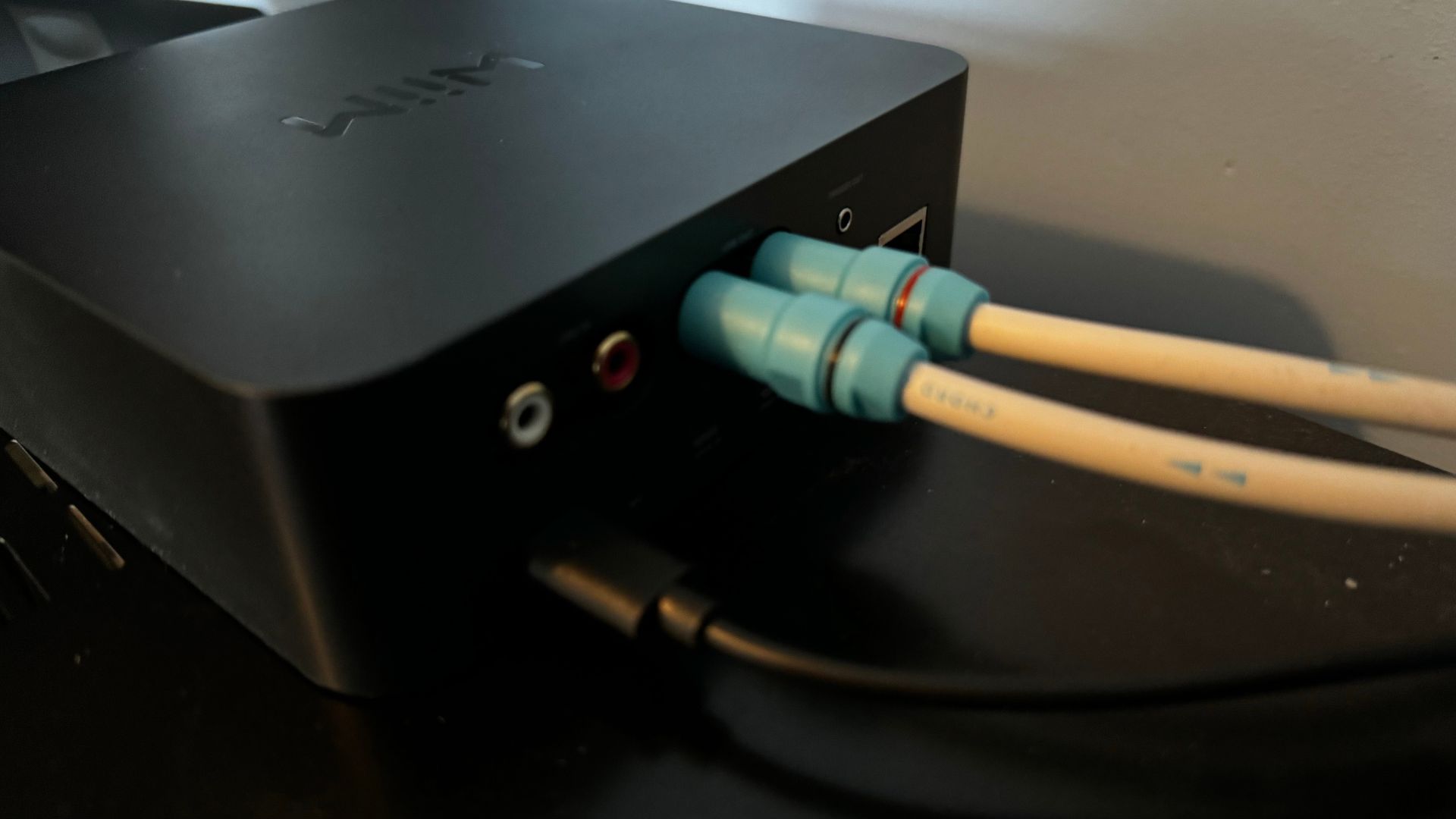
On the back of the Wiim Pro Plus, there are a couple of different outputs so that you can hook it up to your equipment. There’s a pair of RCA connectors so that you can plug it into an amplifier, an optical port so that you can hook it up to something like a soundbar, and a Coax connector so that you can use your own DAC.
The inputs are the interesting part of the package — there’s a line-in and an optical-in so that you can connect your Wiim Pro Plus to a TV, record player, or similar, and then play the sound that comes from that over another Wiim streamer, or a connected amplifier. It’s clever, and adds some more flexibility to your streaming setup. For example: I might want to play a record in my bedroom, but I’ve only got one player that lives in the lounge. With the Wiim Pro Plus, I can hook the player up to my connected system, and then play the output over another Wiim streaming device elsewhere in the house — in this case, my bedroom. Ingenious, and more importantly, hitch-free.
Wiim Pro Plus: Ease of use

The Wiim Pro Plus is extremely simple to use. Simply plug in a power supply (there’s one in the box) to the USB-C port on the back, hook up your chosen audio output, and then you’re just a trip to the Wiim app away from streaming your music.
The Wiim App is, as always, excellent, and following the prompts to connect the Wiim Pro Plus to your system is super simple. Once it’s all set up, you connect some music streaming services to the app, and you’re good to go.
The on-device controls are simple — a play/pause button, a pair of volume buttons, and then a fourth button that conjures pre-made presets. You can create presets as well by pressing and holding the button, so you can easily access your favorite content.
The controller is useful as well. You can play/pause, skip forward and backward tracks, and manipulate the volume. You can also choose different numbered presets with the remote, so you can jump quickly between different connected content that you’ve chosen in the Wiim app.
Wiim Pro Plus: Sound quality
Ok, so part of this is going to depend on the rest of your setup — in my case, that’s a Hi-Fi amplifier from Technics and a pair of KEF LS50 Metas. That gives a solid base for the Wiim Pro Plus to play with, so that it can wow more with its top-quality DAC. The Wiim Pro was excellent while connected, so I hoped this would be even more impressive.
And it is — thanks to that improved DAC, there’s greater depth, movement, and detail on offer. It’s not a weighty sound, opting instead for energy and dynamism, but the EQ settings can be played with if you want something with a little more grunt and low-end. It’s got plenty of body in the mids, allowing vocals to take center stage, and when paired with a solid audio output, it sings.
Wiim Pro Plus: Competition
So there’s the already mentioned Wiim Pro which, if you don’t want to spend too much, is an excellent option. It doesn’t have quite the sonic prowess, but it’s an absolute bargain at $159. There’s the Eve streamer as well, but that can only handle AirPlay — which means no true lossless audio.
There are always the Hi-Fi separates streamers, made to go into a system with a single connection, but they are often not as flexible and a lot more expensive than the Wiim Pro Plus. They will, however, sound better overall and work seamlessly when paired with an amplifier from the same brand.
Wiim Pro Plus: Should you buy this?
You should buy this if…
- You have an older audio system and want to stream to it
- You don’t want to spend loads on streaming gear
- You already have a Wiim setup
You shouldn’t buy this if…
- You want something that fits in immaculately with your Hi-Fi
Wiim Pro Plus: Verdict
The Wiim Pro Plus might not be cheap, but for a device of it’s type and flexibility it’s almost a kind of Hi-Fi bargain. It’s an extremely proficient streamer, filled with some incredibly potent internals, and features a simple design that will blend seamlessly with any music setup.
The app is excellent, it connects without issue, setup is easy, and playing music over it is as simple as using the ‘AirPlay’ button on your favorite music app. If there’s something you could want a streamer to do, the Wiim Pro Plus will do it, and do it very very well.

Streaming has never been simpler
With one of the simplest setups and user interfaces, the Wiim Pro Plus is an excellent streamer that plugs in and just works. It’s well priced, works great, and slips seamlessly into an existing Wiim home.
window.reliableConsentGiven.then(function(){
!function(f,b,e,v,n,t,s){if(f.fbq)return;n=f.fbq=function()
{n.callMethod? n.callMethod.apply(n,arguments):n.queue.push(arguments)}
;if(!f._fbq)f._fbq=n;
n.push=n;n.loaded=!0;n.version=’2.0′;n.queue=[];t=b.createElement(e);t.async=!0;
t.src=v;s=b.getElementsByTagName(e)[0];s.parentNode.insertBefore(t,s)}(window,
document,’script’,’https://connect.facebook.net/en_US/fbevents.js’);
fbq(‘init’, ‘1765793593738454’);
fbq(‘track’, ‘PageView’);
})