
Philips Hue is synonymous with all that’s cool and functional in the world of HomeKit lightning, and the Philips Hue Iris is a smashing little lamp that continues that tradition. Harnessing all the power of HomeKit, Matter, and Siri, this lamp can be controlled by your voice or at the touch of a button, bathing any space in a distinct glow with millions of colors to choose from.
The Philips Hue Iris is not without its faults, however, and some might consider that the features and build quality should demand a slightly lower price tag. I, however, have had great fun using this in my office. So is the Philips Hue Iris worth your time and money? Let’s find out!
Price and Availability

The Philips Hue Iris is available from Philips Hue’s own website and Amazon. In the U.S. it’ll set you back around $110, although I’ve seen it for $90 at some retailers. Meanwhile, in the UK, the Iris is £95 from Philips Hue’s website or around £80 at Amazon. This option is available in Black and White.
Notably, there are a couple of more premium color options, one of which is reviewed here. The copper, gold, and silver (pictured) models are usually around $130/£120, and for that, you get a more premium finish. Otherwise, you get free shipping, 30-day returns, and a two-year warranty. The Iris has been out for a while, so it definitely pays to shop around for a bargain.
Philips Hue Iris: What I like
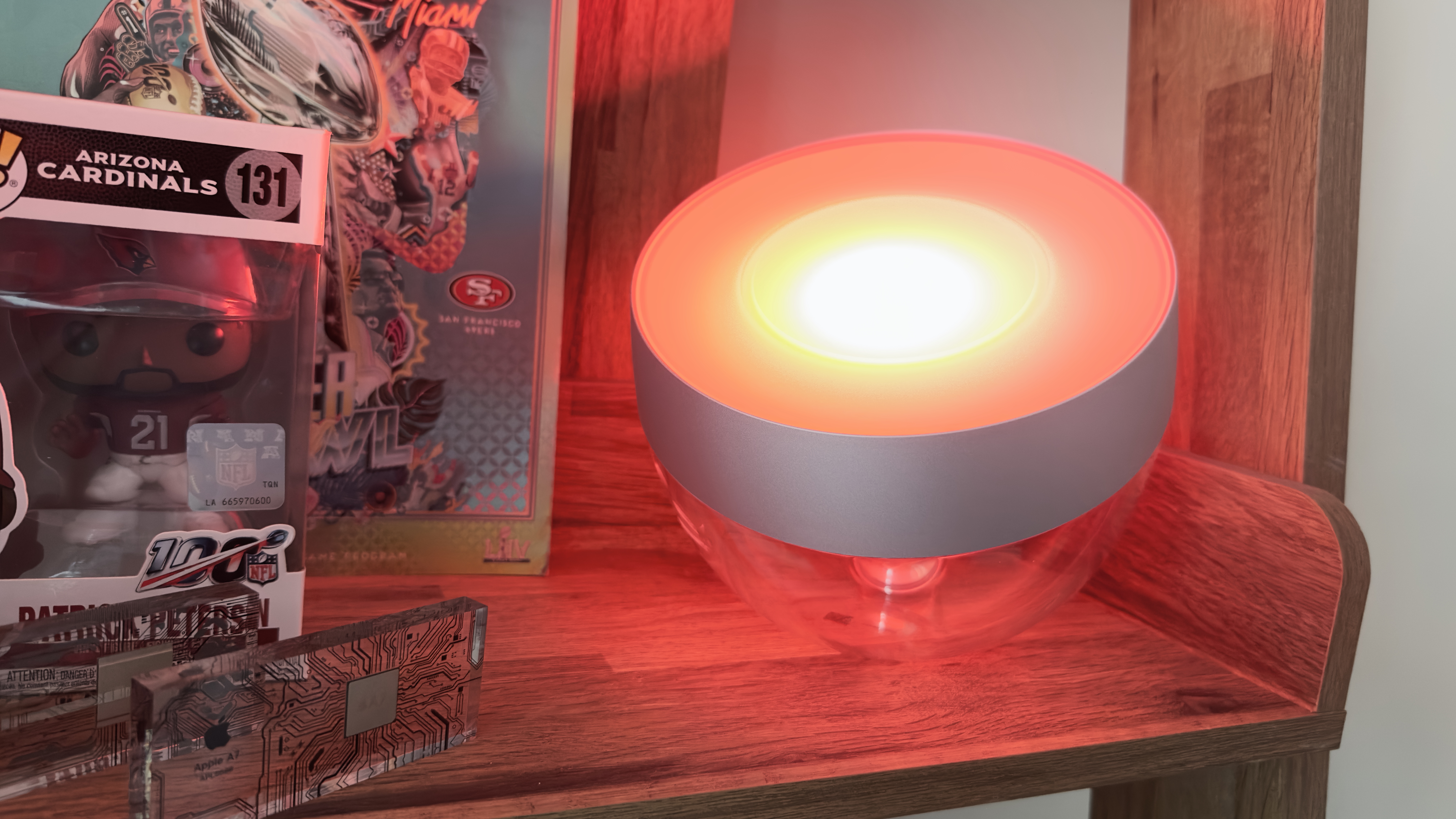
There’s a lot to like about the Philips Hue Iris, starting as soon as you open the box. Setup and connectivity are very straightforward. All you do is plug the lamp into a power socket and then connect to the lamp using your iPhone. You can use the Iris either with Bluetooth or a Philips Hue Bridge. This means the lamp is great for people who are already invested in the Hue ecosystem or for people who have never owned a smart light.
You do need a Bridge to get the most out of your Iris, as this gives you the most options in terms of voice control and connectivity with other devices. For example, it’s more important if you want to run multiple lights in lots of different rooms, so if you’re planning on buying more than one Hue light I’d definitely recommend it. Without a Bridge, you can only control up to 10 lights in a single room, whereas a Bridge can support 50 and multiple rooms. Using a Bridge is also more reliable in terms of connectivity compared to Bluetooth, and has a better range. The Bridge also unlocks control for your lights once you leave the house, which is handy if you forget to turn them off.
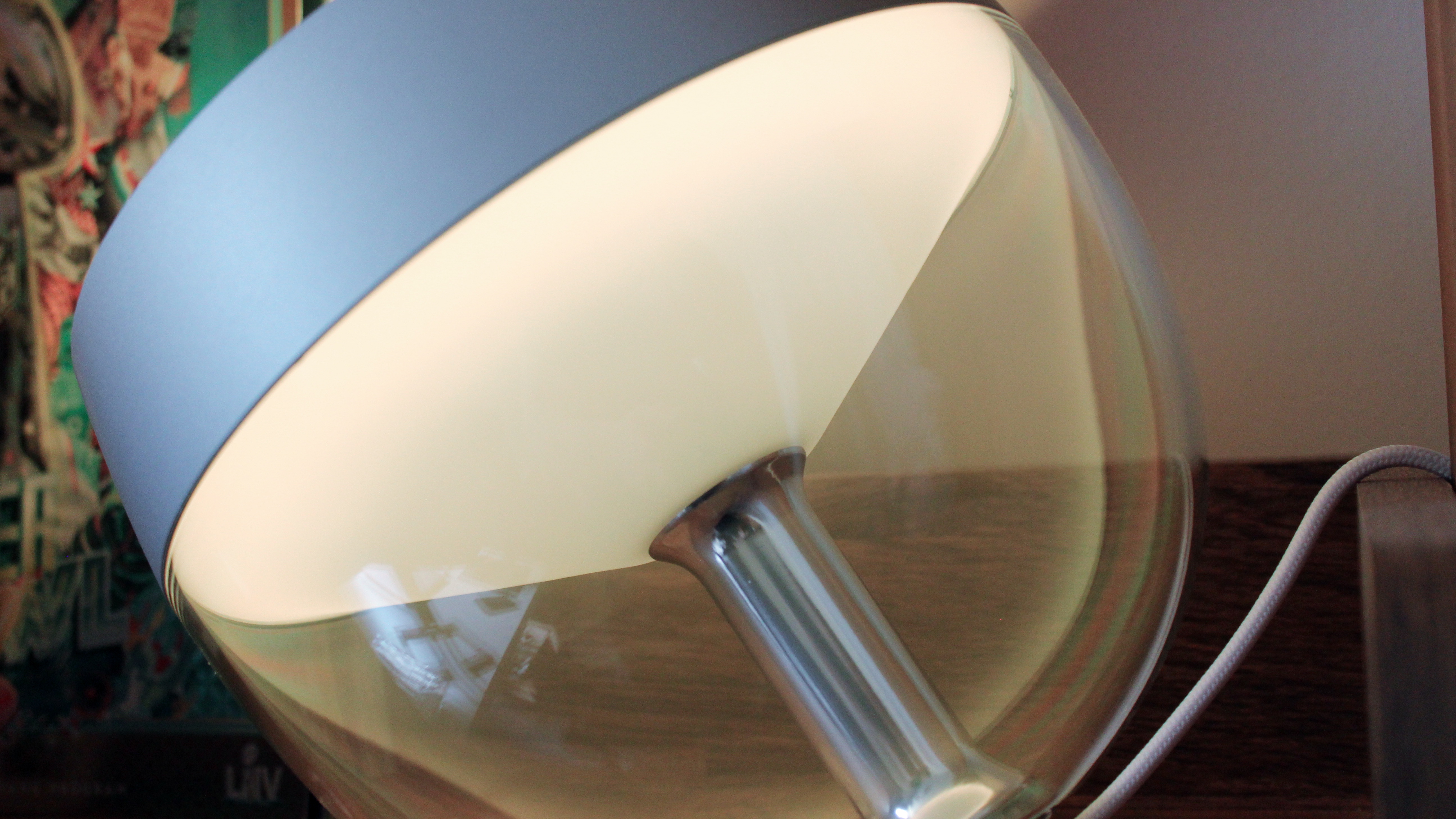
If you’re running a setup without a Hue Bridge, all you need to do is download the Philips Hue app (you can add a Bridge at a later date if you want to) and follow the instructions. You can add your device by scanning the QR code or just holding your iPhone close to the lamp.
The Hue app is similar to Apple’s Home app and allows you to divide your lights into rooms, controlling on/off, brightness, and color with ease. There’s also an automation tab, and my personal favorite, the Hue scene gallery, which gives you access to lots of tailored light settings with pre-made presets. The app is intuitive and easy to use and I’ve encountered no connectivity quirks or bugs using it.
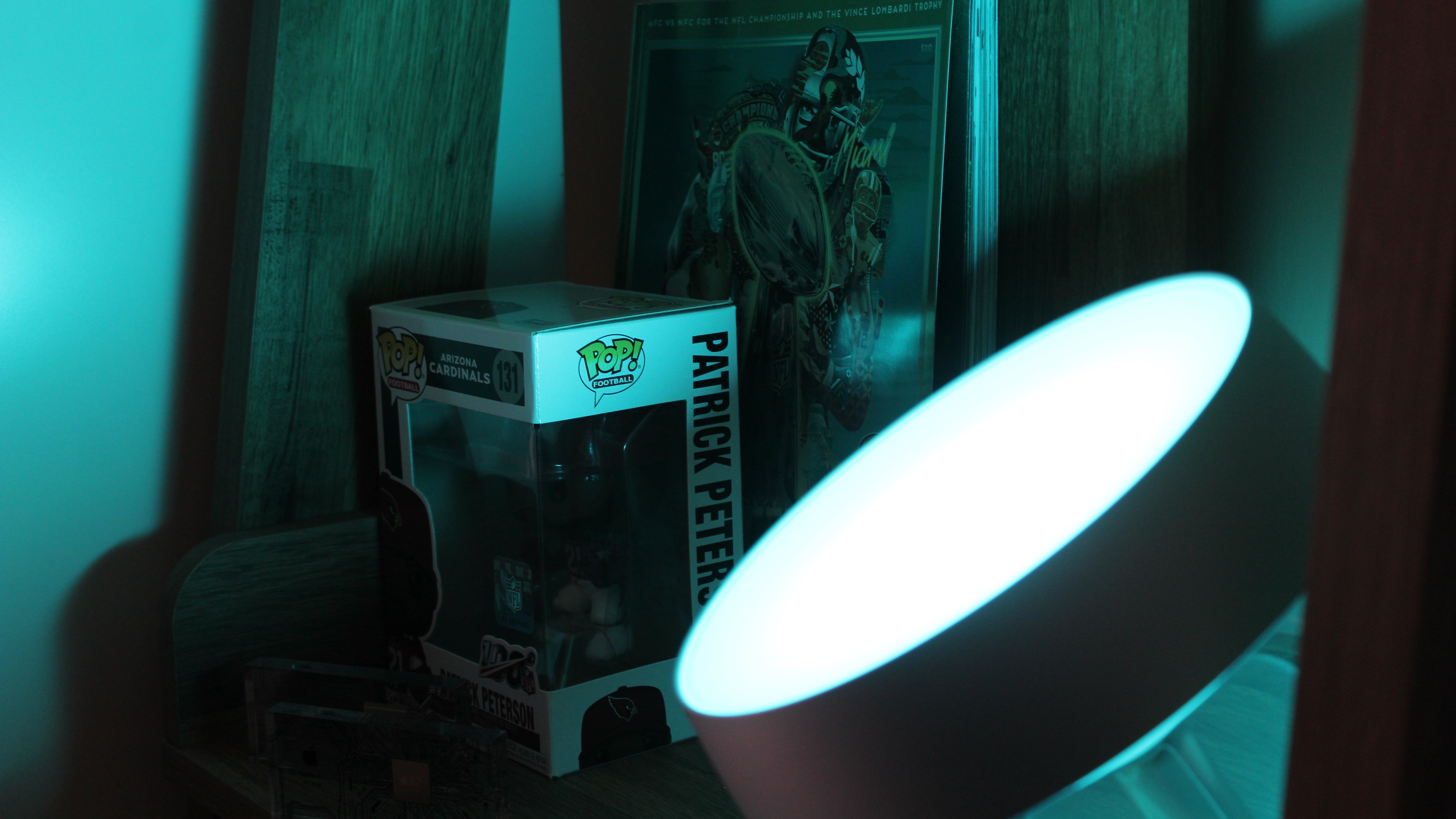
The Iris, through the Philips Hue app and Apple’s Home app, offers both white and colored light in almost any shade you can imagine (over 16 million to be precise). The colors themselves are rich and beautiful, especially when you turn the Iris up to full brightness. However, it’s important to note what kind of lamp this is – it’s not a spotlight for reading or a lamp that can really power a room by itself. Philips describes it as a light “that both washes the wall with color and offers a gentle backlight,” and it’s true. This is really light for mood lighting and works best complemented by other items or in a very small space. It would work well on a desk, or in a living room to add light to a wall, or perhaps as a moody bedside light.
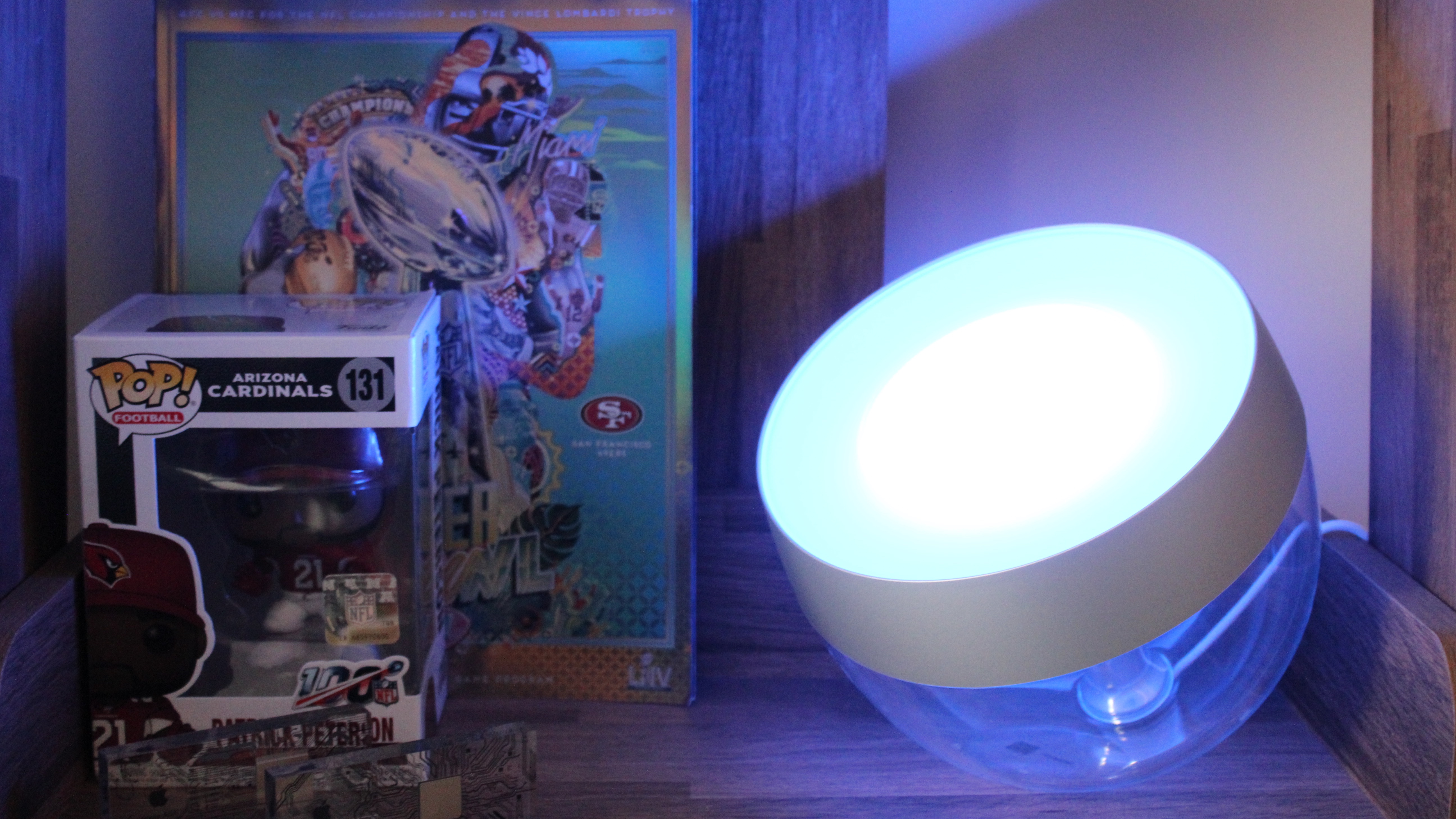
My favorite feature of the Philips Hue Iris is its seamless integration with Apple’s Home app, HomeKit compatibility, and the new Matter smart home standard. I love being able to switch on the light using just my voice and Siri. You can do this through any Apple device with Siri, including Apple’s HomePod and HomePod mini. Thanks to HomeKit, and providing you’re using the Philps Hue Bridge, you can also set timers and automations, such as ensuring all of your lights switch off when you leave the house, or on when you arrive. The Iris can also be used with automations through HomeKit, for example, it can be connected to a motion sensor or a thermostat.
Matter means that if you have a Philips Hue Bridge, then you can use your Philips Hue Iris with Apple’s best HomeKit hubs such as the HomePod and Apple TV, but also with Google Home’s Nest Hubs, Amazon’s Alexa devices, and more. It will also be integrated with more smart home devices that don’t necessarily support HomeKit. Matter is a huge upgrade to the smart home, and thanks to Philips’ support Hue lights are more useful than ever.
Philips Hue Iris: What I don’t like

There are a couple of bits about the Iris I don’t like. $95 is quite steep for a lamp, especially one that is more focused on mood lighting and wall washing as opposed to lighting up spaces. This is definitely an “accessory” lamp to complement other lights in a room, which makes the price a bit harder to justify. If you can find it for less, then go for it.
In keeping with the moodiness of the lighting, it’s not all that bright. This is by design, but just be sure you know what it is you’re getting into if you buy one. The best anecdote I can provide is that sometimes my wife and I change colors on each other’s office Hue lights in what can only be described as the world’s saddest practical joke. My wife switched my light to fluorescent green once, and I didn’t actually notice for about an hour because the light isn’t that potent.
While the lamp has a lovely design, the materials used are a little plasticky considering the premium price. This is likely to keep the cost down, but it’s disappointing when you lift the lamp and it feels like a product worth far less than you pay.
Competition
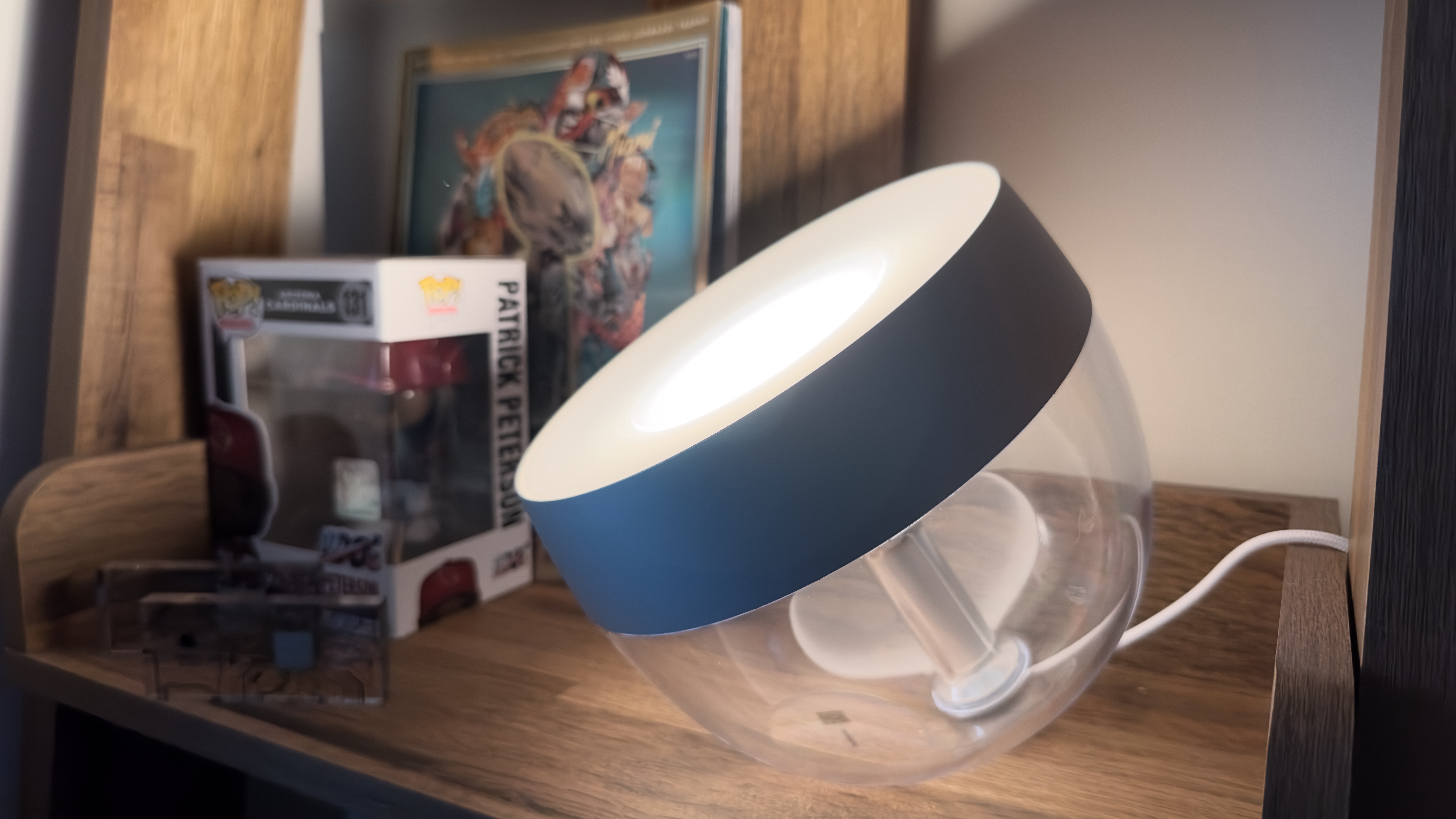
There aren’t really many direct competitors to the Philips Hue Iris. Philips offers the Hue Bloom which is very similar in style and design, but $20-$30 cheaper. We also recently reviewed the QiZ Luminaire Mobile Portable Light which is a portable lamp with fun presets, however, it falls down against the Iris when it comes to Apple Home integration. The Govee Aura LED lamp is also a good option.
One interesting alternative comes by way of my colleague John-Anthony, who has created a similar setup by simply buying a FADO Table lamp from Ikea for $30 and then putting a Philips Hue bulb inside. This is an ingenious DIY solution to creating a similar atmospheric light for significantly less money. Because it’s a Hue light you still benefit from all that HomeKit and Matter integration has to offer.
Philips Hue Iris: Should you buy it?
Buy it if…
- You want a fancy lamp for mood lighting
- You want lots of different colors from your lamp
- You already possess a Philips Hue Bridge and a smart lighting ecosystem
Don’t buy it if…
- You want a cheap lamp
- You don’t use smart home gadgets
- You don’t need colored lighting
- You want a lamp to light up a whole room
Verdict
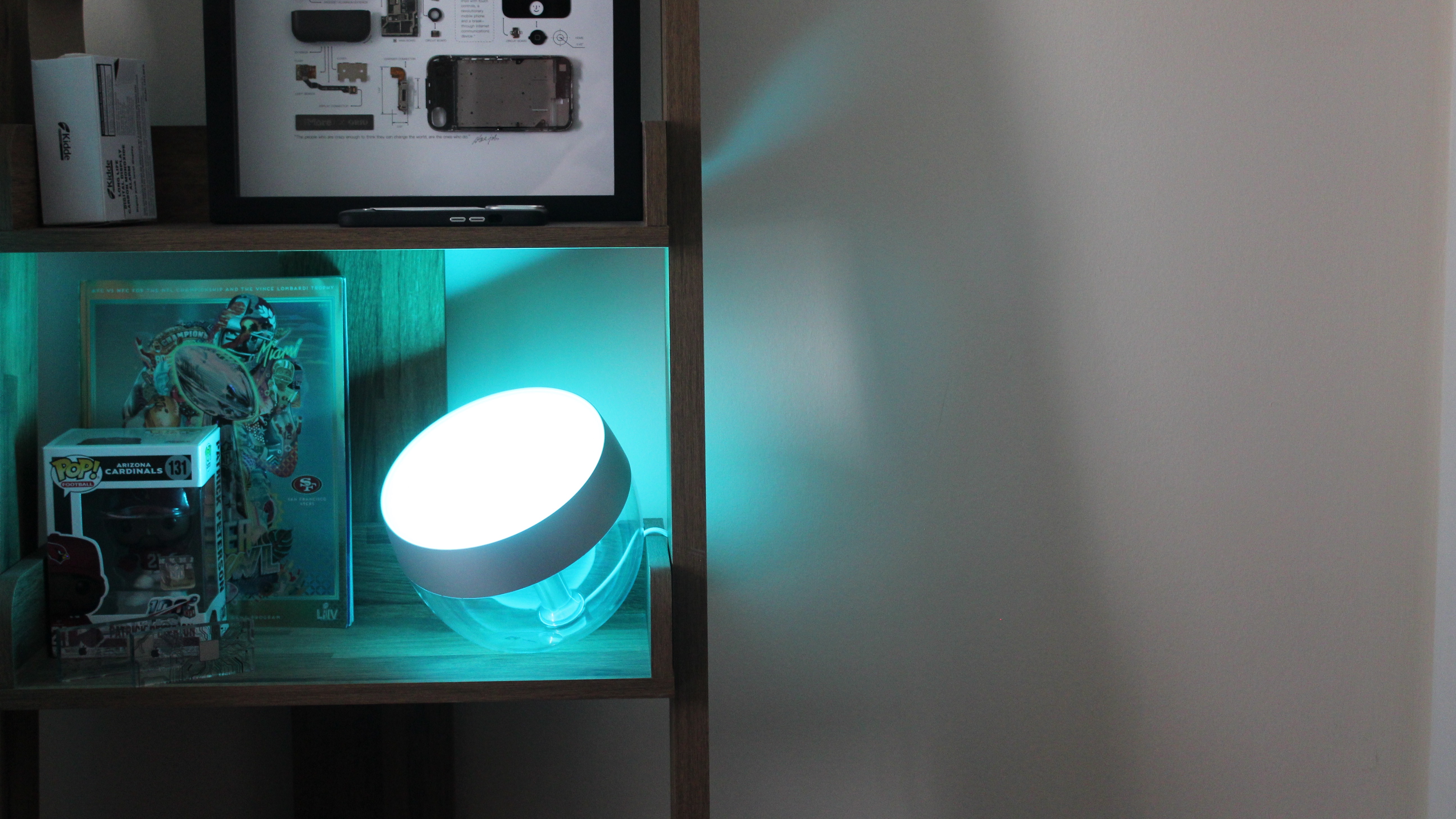
Overall, I’m really happy with the Philips Hue Iris. It’s a great little lamp to help brighten up a room and set the mood, and it really shines thanks to its HomeKit integration, the excellent Hue app, and its endless color palette. However, it is pricey for how much light it puts out, and you’re going to need a Hue Bridge to get the very best out of it.
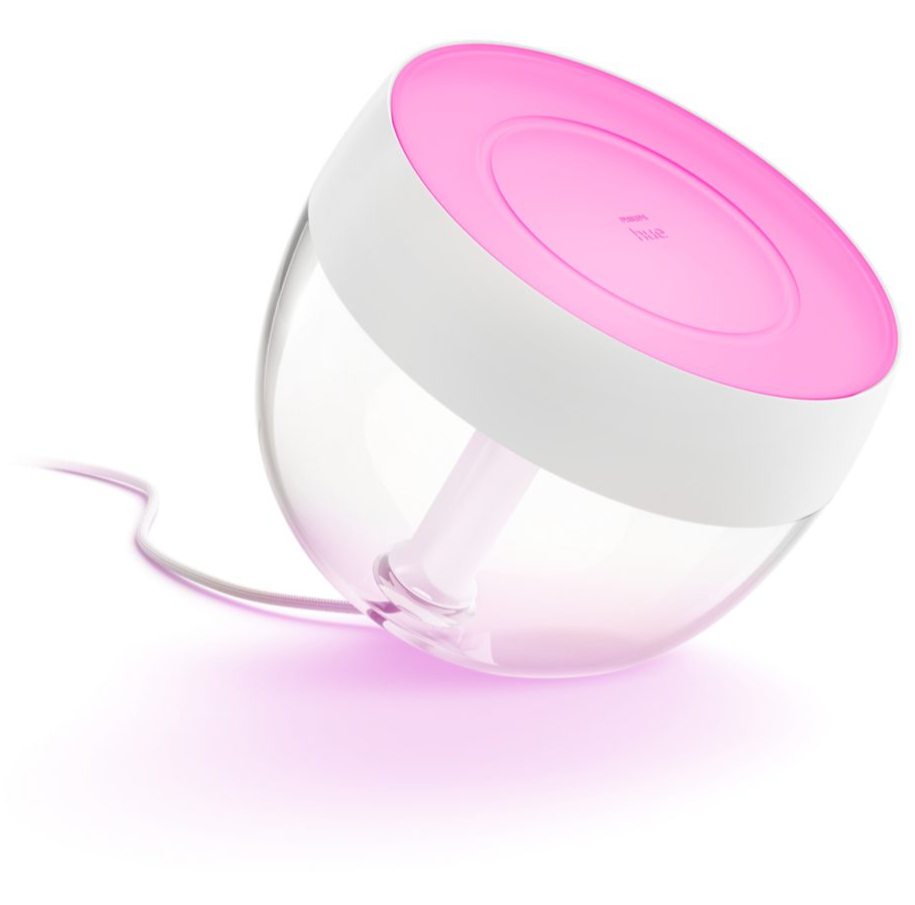
The Philips Hue Iris is a wonderful piece of mood lighting that will perfectly complement any smart home.
window.reliableConsentGiven.then(function(){
!function(f,b,e,v,n,t,s){if(f.fbq)return;n=f.fbq=function()
{n.callMethod? n.callMethod.apply(n,arguments):n.queue.push(arguments)}
;if(!f._fbq)f._fbq=n;
n.push=n;n.loaded=!0;n.version=’2.0′;n.queue=[];t=b.createElement(e);t.async=!0;
t.src=v;s=b.getElementsByTagName(e)[0];s.parentNode.insertBefore(t,s)}(window,
document,’script’,’https://connect.facebook.net/en_US/fbevents.js’);
fbq(‘init’, ‘1765793593738454’);
fbq(‘track’, ‘PageView’);
})











