
If you spend any amount of time sitting and working in a cafe, you’ve probably wondered how you can get more screen space for your MacBook. Be that for spreadsheets, word documents, or anything else that might mean you need a couple of things open at the same time, you’ve likely wondered how you can get more real estate to work with. Rather than buy a new, bigger laptop, however, you should probably just go and grab a portable monitor instead.
A portable display just like this one, in fact; the USB-C powered espresso 15. It has a super slim aluminum frame, attractive screen and a great range of accessories that see stake a claim as the ultimate portable work companion. But just how good is it in use?
espresso 15: Price and Availability

The espresso 15 can be bought directly from the espresso website, where you’ll pay $499/£479. That’s for a 15.6-inch touch-screen variant (the same as we’re testing here), or you can pay $439/£419 for the 13-inch touchscreen. The 13-inch non-touch is $299/£299. Now, you’ll need to make sure that the screen can stand up on its own, so you’ll want to grab a stand, which also costs more.
The metal folding stand is an extra $69/£69, and the folio case is $49/£49 — so you need to factor that in when buying the display. You can also add in an $89/£89 pen for the touch screen — which is always helpful, though an Apple Pencil you may have laying around won’t be compatible. All in, you can spend as much as just over $700/£700 if you fully accessorize with what’s on offer here. That is not cheap.
There’s also a Vesa mount stand that costs $49/£49, and then the espresso Creator paper-line screen protector for $59/£59. Thankfully, you can grab the espresso display bundle which has the screen, screen protector, metal stand, pen, and folio case for $50 off — if you’re buying everything, this is the way to do it.
You’ll also find the espresso display on Amazon, although you’ll need to source the accessories in separate orders. It’s easier on the espresso website and the same price, so we’d recommend going that way.
espresso 15: Display quality
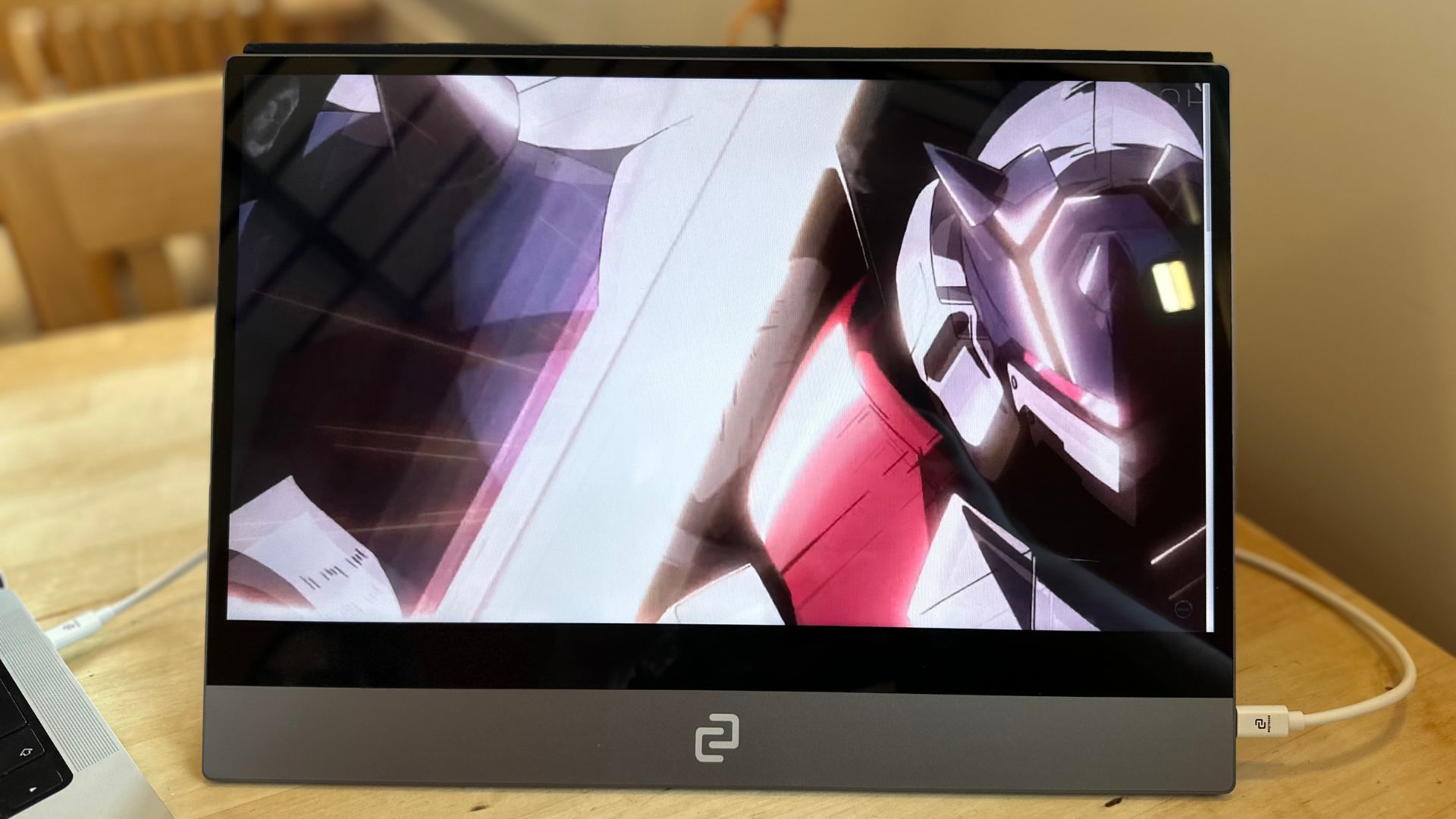
First up, a couple of specs — the espresso 15 has a 15.6-inch touch screen, featuring 1080p resolution. There are 16.8 million colors displayed, and it goes all the way up to 300 nits brightness.
The display itself is clear, crisp, and attractive. Motion is good thanks to a 60Hz refresh rate, and the resolution is perfect for the smaller display size. It’s not going to match the Retina display of the MacBook you plug it into, but it’s still great for writing some documents and getting some work in Numbers done.
For gaming, it’s also good, thanks to that 60Hz refresh rate. It’s not VRR compatible, and it can’t match the very highest framerates of those uber-powerful gaming laptops, but console gaming here is completely fine.
The only real display issue I found was direct sunlight glare, even on the matte screen protector. The 300 nits brightness is generally fine for everyday use, but under brighter light, it becomes a little harder to see — I always found myself wishing I could turn it up just another couple of notches.
Overall it’s a colorful, very usable display, but you might want to keep away from windows.
espresso 15: Stand-out feature
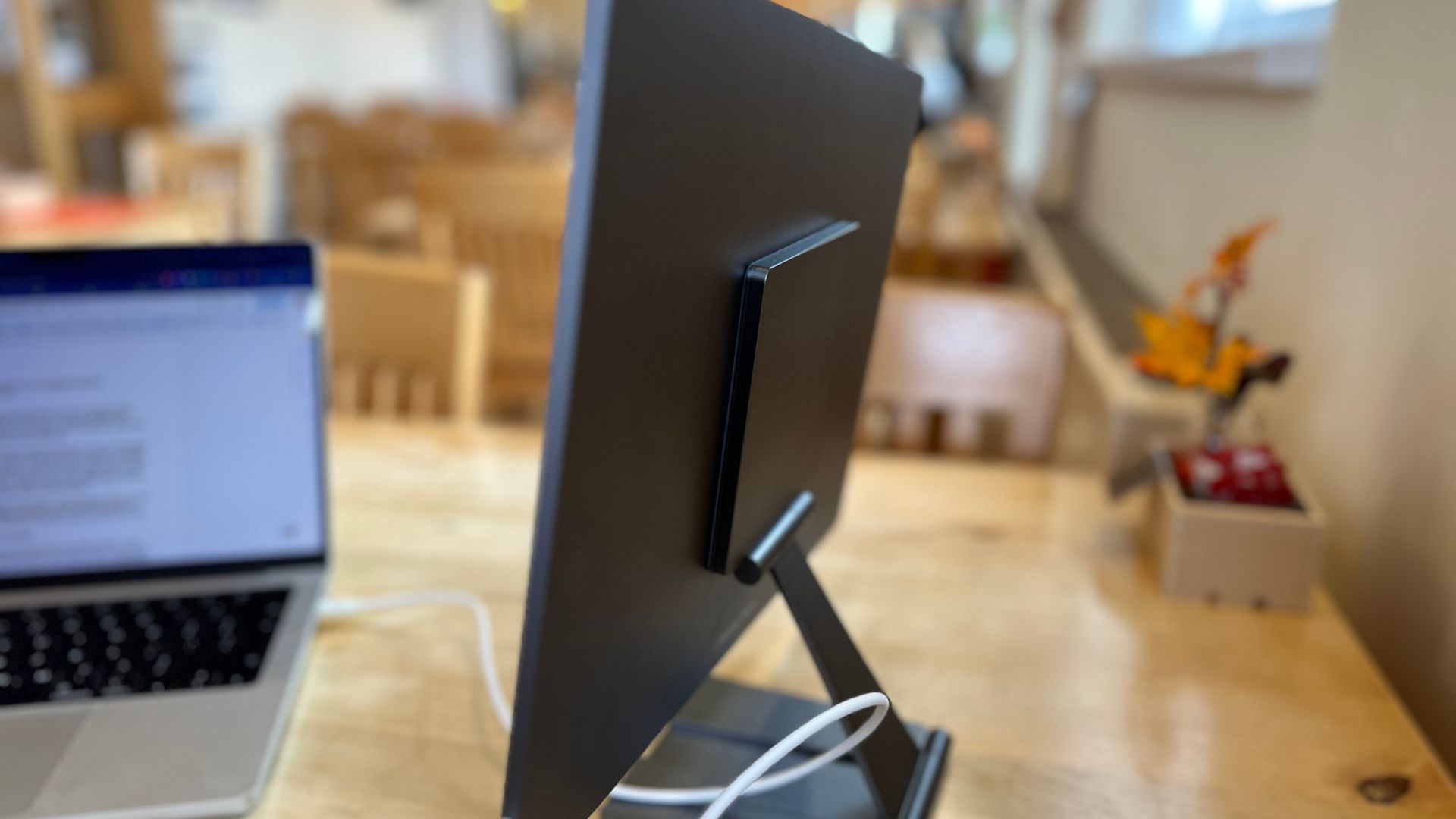
Apart from being portable, the stand out element is the stand itself. It’s a wicked foldable affair that magnetizes to the back of the screen. It’s adjustable height-wise, and you can tweak the angle of all the hinges to find the perfect spot so that the screen sits exactly where you want it.
But remember, it’s sold separately. The stand’s not cheap at $69, but it feels every bit worth the cost. Made of solid aluminum and cold to the touch, it’s super small and fits easily into a bag with your display. I don’t think I could imagine a situation where you wouldn’t buy the espresso display without the stand — they really go together like bread and butter.
espresso 15: Features and build
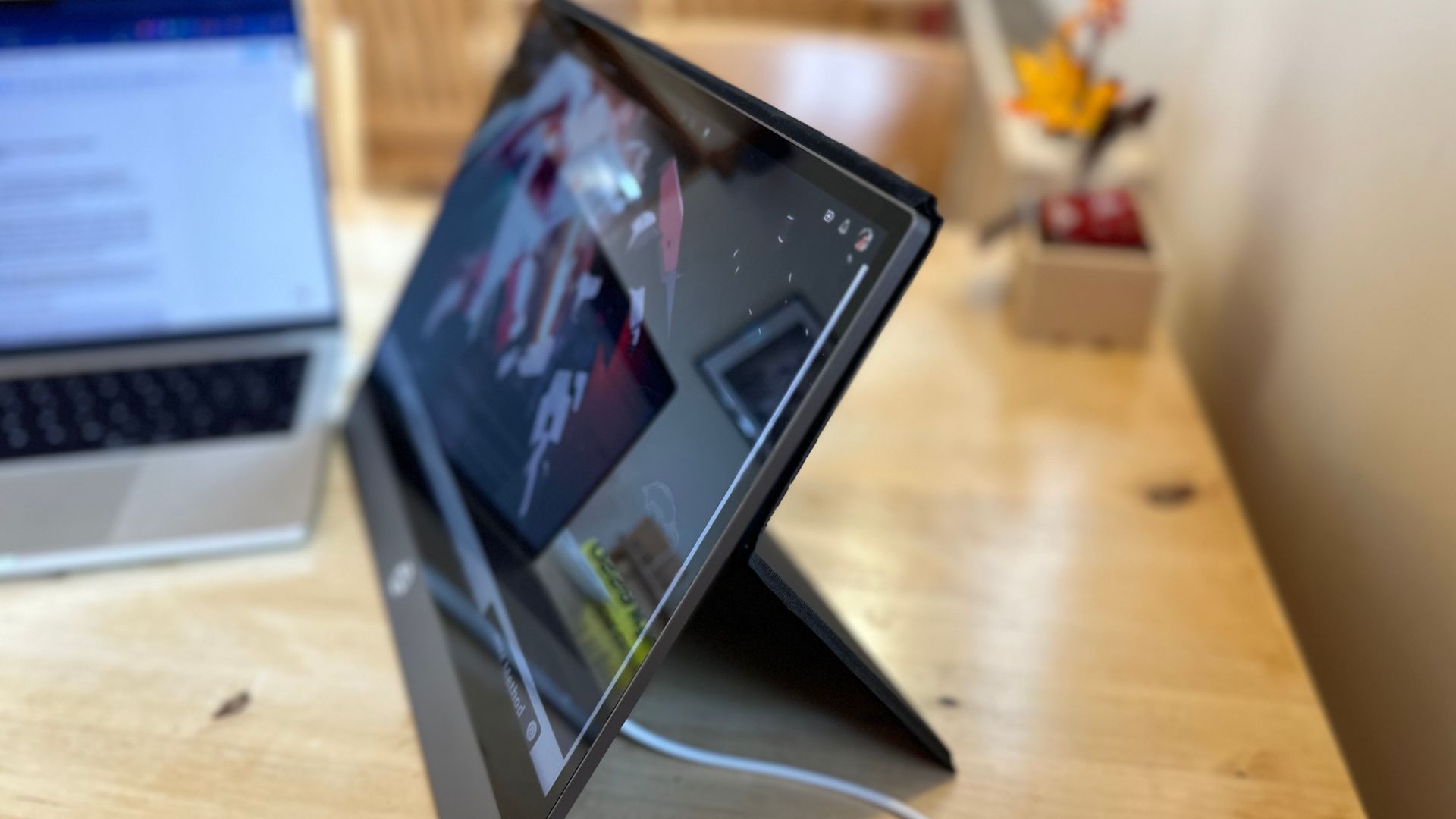
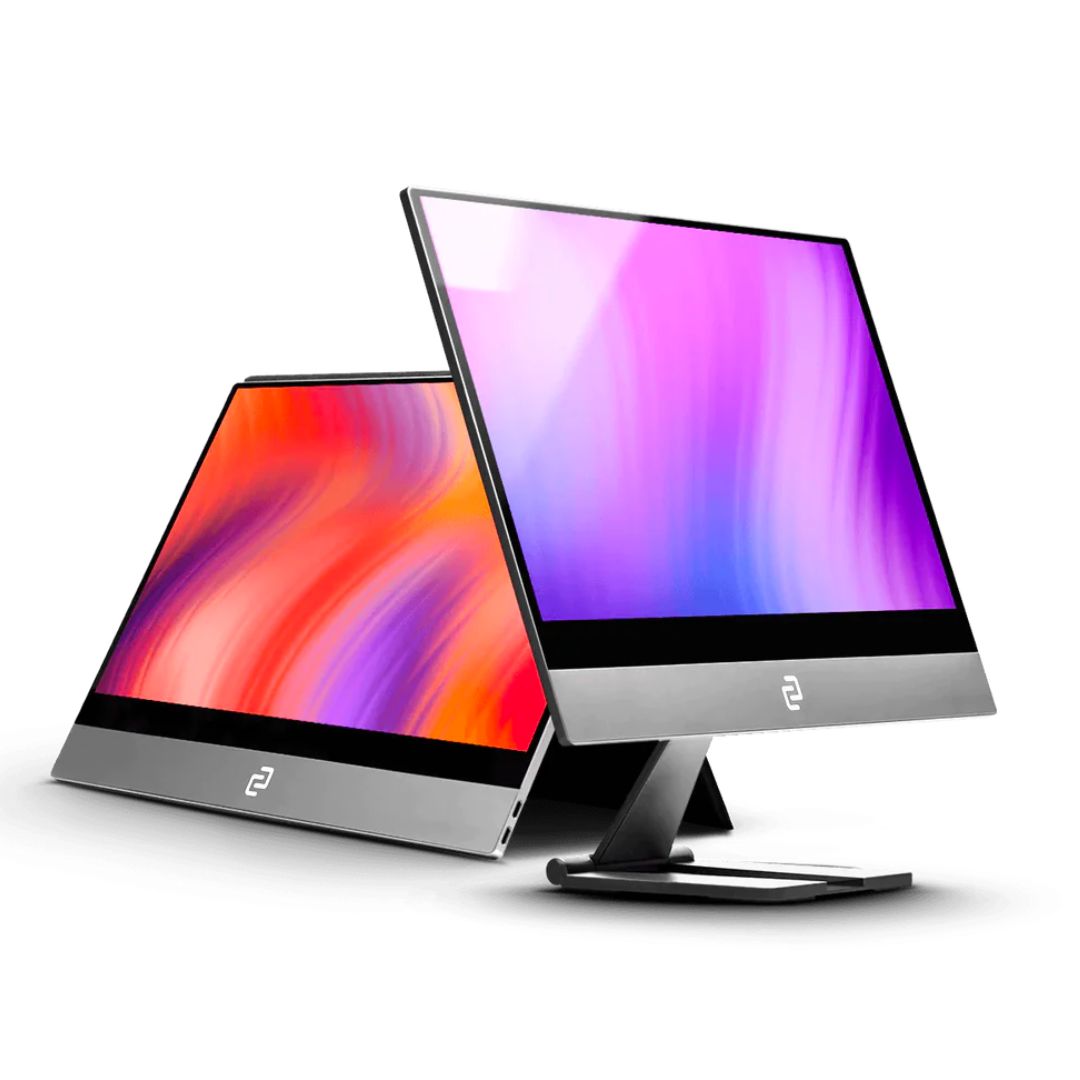
Slip the unreasonably thin espresso 15 out of the box, and you’ll be immediately struck by the simplicity of the display. I say unreasonably thin because it’s 5.3mm thick the whole way across — even if it does have loads of display components to house along with the actual screen itself.
The whole thing is wrapped in aluminum, and it feels super premium to the touch. It’s fairly light at 865g, and the thinness helps it slip into a bag perfectly. If you opt for the sold-separately folio case, it bends in the middle to double as a stand. The protection it offers helps make the screen a whole lot more confidence-inducing when taking it out and about. It’s another useful thing to add to the screen and makes the whole package feel well-made and well-considered.
It looks, in fact, like something that Apple might have made, with its aluminum shell and sharp edges. It fits in great with my MacBook, and while the bezels might be a bit gratuitous for some (they should really be slimmer), it still looks the part when sat on a desk.
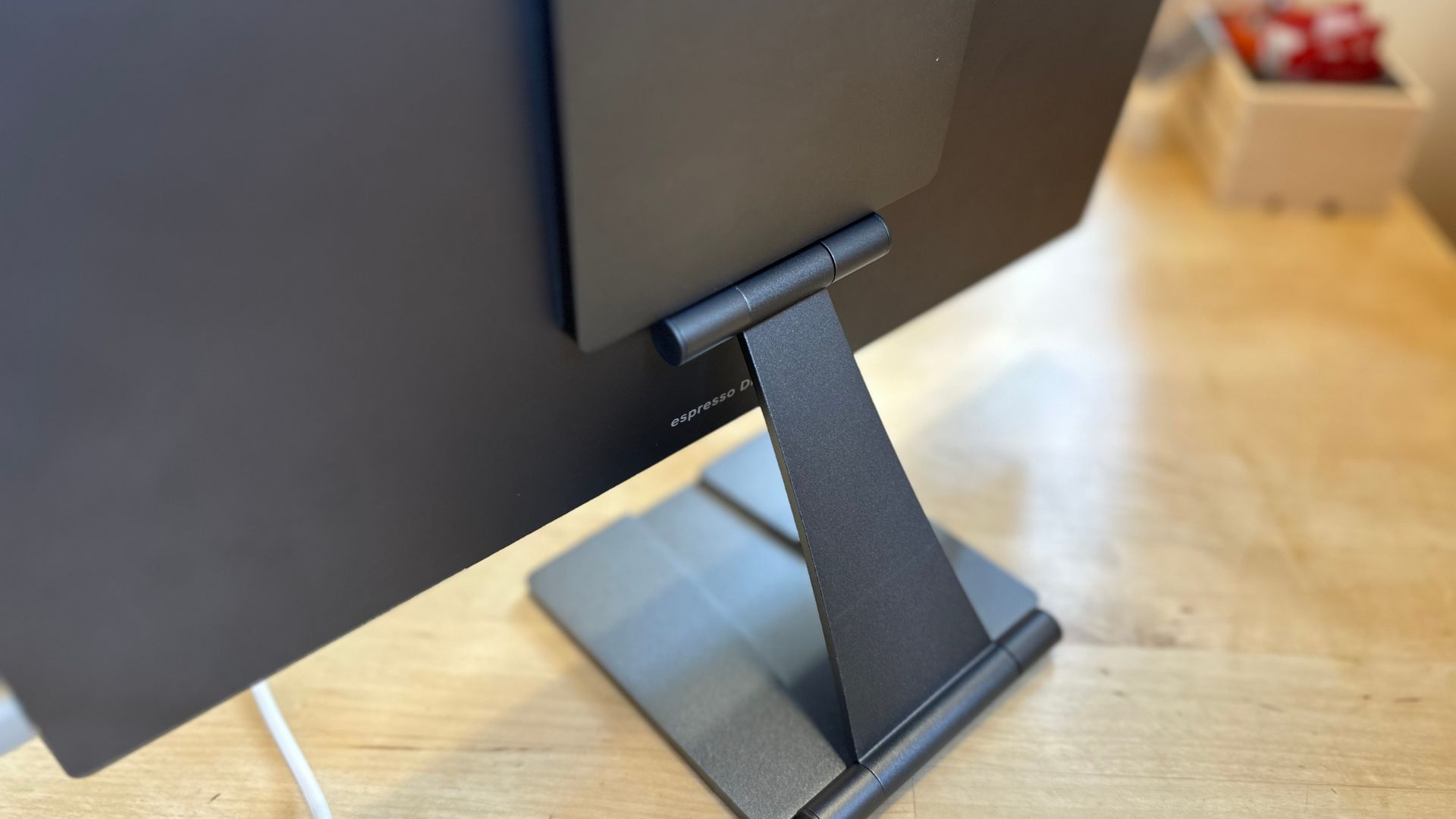
The stands slap on with magnets, which keep everything in place and allow for a certain amount of adjustability. Add all those together, and it is a gorgeously built, extremely functional portable display that feels as though it will last a long time — even when tossed in a bag every day.
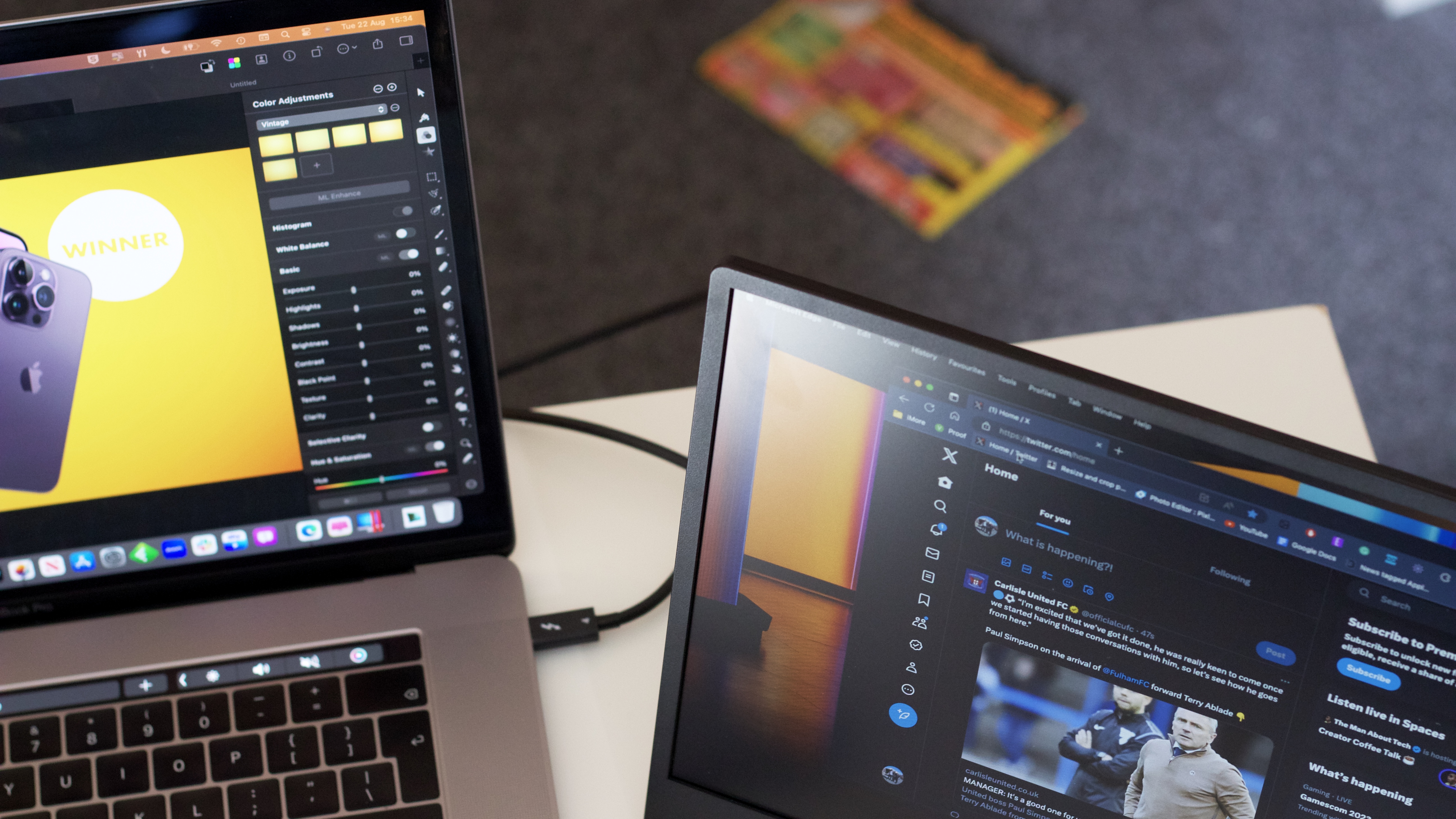
Getting the display working is about as easy as can be. Pop a USB-C cable into your MacBook and then the other end into one of the USB-C ports on the side of the display, and it instantly turns on and extends your desktop. Simple. It’s powered with a USB-C connection to your MacBook, although you can plug in separate power with the second USB-C port underneath. I managed to work at a cafe for a few hours before my laptop complained about having to power two things, so it’s going to be great for a couple of hours out and about.
Touch is supported out of the box, and it works well enough. There is some gesture support as well, like pinch to zoom. It’s a nice addition to the display, and if you get the pressure-sensitive pen then you’ll have the perfect portable display for artists.
espresso 15: Competition
There isn’t much premium competition for the espresso 15. There’s the Philips 16B1P3302D which we also reviewed, although this display is brighter and more useable when out and about.
There are loads and loads of little-known portable monitor brands that you’ll spot on the likes of Amazon, but having this option available from a reputable brand is always a bonus. espresso is proudly home-grown in Australia, a fact the firm is keen to point out. That means that their customer interaction and the work it does to implement feedback is very good, with the product line considering and including changes requested by users ever since the company’s first device succeeded on Kickstarter. This alone should set the espresso 15 apart from the hundreds of cheaper devices on Amazon, and make you think harder about grabbing one of these displays.
espresso 15: Should you buy it?
You should buy this if…
- You need a premium portable display
- You do lots of work on the go
- You love the minimalist aesthetic
You shouldn’t buy this if…
- You need a super bright display
- You want zero bezels
- You are looking for a budget-friendly portable display
espresso 15: Verdict
The espresso 15 is a lovely device. It might not be perfect, with big bezels, relatively low brightness, and a high price, but it’s stunning-looking and feels built to a premium standard.
One of these with the folding aluminum stand and the pen is all you’ll need when you’re going out and about to work with your laptop. It might cost a bit, but you’ll wonder how you ever lived without it once it’s on the cafe table in front of you.
Slim and practical
The slimmest and best-made portable display that you’ll find — and it’s well worth the high asking price. The stand is excellent, the screen is crisp and clear, and it all works off one cable. Lovely.
window.reliableConsentGiven.then(function(){
!function(f,b,e,v,n,t,s){if(f.fbq)return;n=f.fbq=function()
{n.callMethod? n.callMethod.apply(n,arguments):n.queue.push(arguments)}
;if(!f._fbq)f._fbq=n;
n.push=n;n.loaded=!0;n.version=’2.0′;n.queue=[];t=b.createElement(e);t.async=!0;
t.src=v;s=b.getElementsByTagName(e)[0];s.parentNode.insertBefore(t,s)}(window,
document,’script’,’https://connect.facebook.net/en_US/fbevents.js’);
fbq(‘init’, ‘1765793593738454’);
fbq(‘track’, ‘PageView’);
})











