
The new Samsung T9 portable SSD
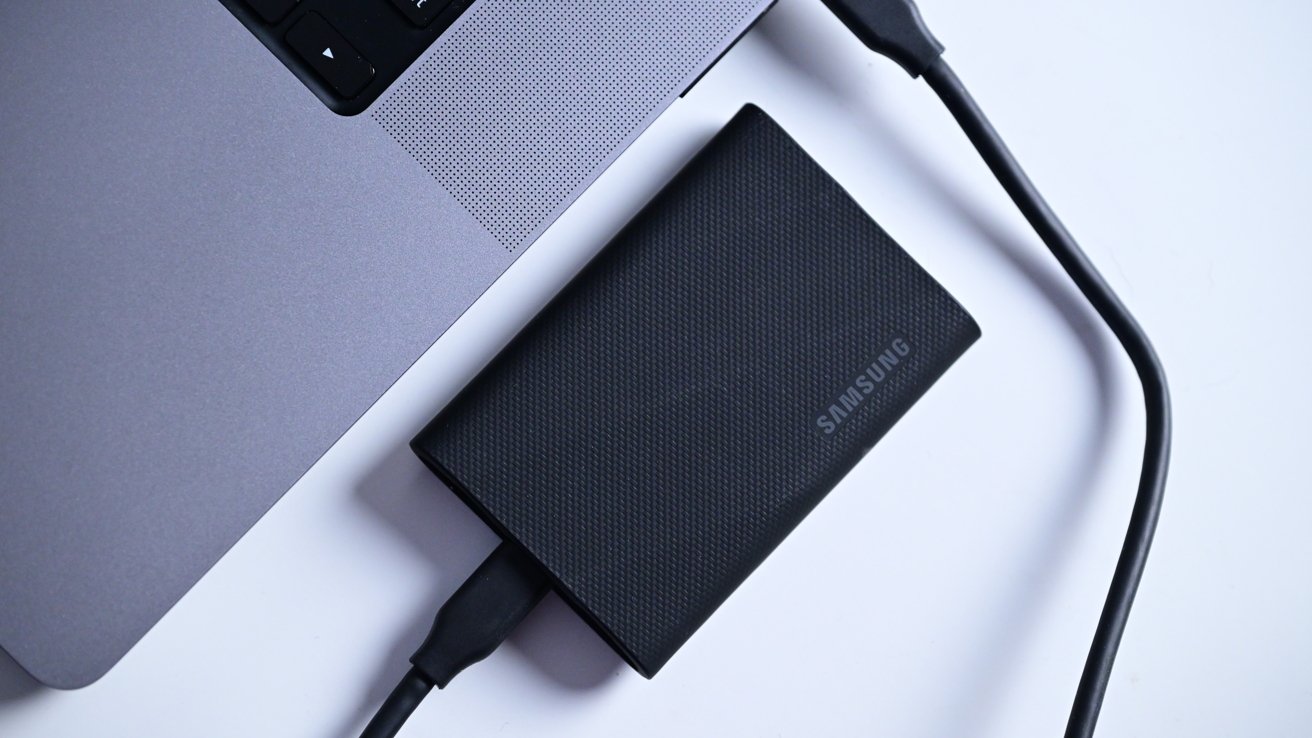
Samsung’s latest addition to its portable SSD lineup is the T9 which has plenty of drop protection and newfound speed improvements — at least for some users.
The Samsung T9 portable SSD has launched with a black rubber exterior and a compact size to go anywhere. It is faster, in some situations than the T7 SSD it succeeds, and boasts three meters of drop protection and IP65 resistance.
Samsung T9 SSD review: Best of both worlds
The predecessor to the T9, Samsung’s T7, came in several different flavors.
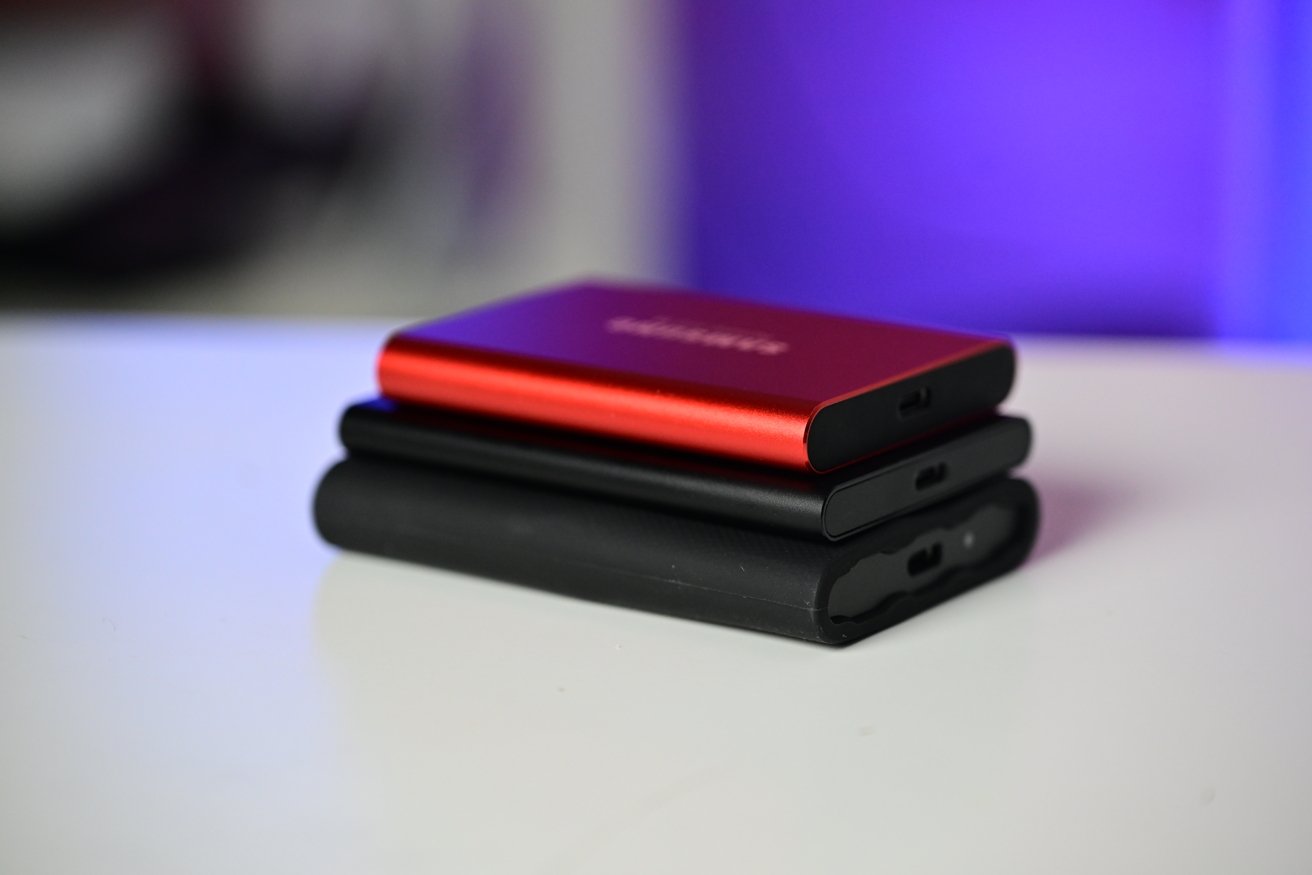
Samsung T5 SSD (top), T7 (middle), and T9 (bottom)
You could opt for the T7 Touch which was a fingerprint-protected model that helped secure your data with biometrics. Perhaps you valued durability most and could pick up the T7 Shield with its rubberized outer coating.
If neither of those were for you, there of course was the vanilla T7 that had a sleek anodized metal body at the most affordable price.

Samsung T7 Shield (left) versus T9 (right)
When releasing the T9, Samsung decided to omit the other styles and debut the base T9 with a similar rugged exterior to the T7 Shield. There is no bare aluminum version nor a fingerprint-protected version.
Heck, Samsung isn’t even bringing the T9 to market with any colors. The black we tested is the only color option here at launch.

Holding the Samsung T9
That’s a little troublesome with the black color, it makes its dust attraction even more apparent. While the T7 Shield had a smooth rubber exterior, the T9 is textured.
The texture does add even more grip but causes dust to stick to it like crazy. Shooting the embedded video took twice as long just trying to keep all of the little pieces of dust off the drive.
If there were color options, the dust probably wouldn’t be as noticeable, such as with a red or blue.

Samsung T9 USB-C port
Otherwise, one end of the SSD has a USB-C port, which has been upgraded here for the T9, and a mini LED status light. The other end is solid and matte black with some regulatory printing.

Samsung USB-C to USB-A cable
In the box, Samsung includes both a USB-C to USB-C and a USB-C to USB-A cable.
Samsung T9 SSD review: Testing those new speeds
With its USB-C port, the Samsung T9 SSD works with devices across the board. Connect it with your Mac, PC, Android phone, iPad, or even the new iPhone 15.
It comes pre-formatted as an ExFAT drive though you can reformat it to any other if you so choose. Oftentimes, we’ll reformat ours as APFS, especially if using it as a Time Machine backup.

Samsung T9 SSD connected to iPad mini
For testing, we left it stock with the ExFAT formatting and did not apply any password or encryption on the data. All testing was done on our M2 Max 16-inch MacBook Pro.
Samsung says the new drive uses USB 3.2 2×2 with promised speeds of up to 2000 MBps. We tried several different file transfers and tried them both on the T9, and the older T7.
We started with a 1.44GB file — the latest episode of the HomeKit Insider podcast — and it took two and a half seconds to complete on both drives.
Then we stepped things up, moving to a 6.78GB movie file. This time it took 7.86 seconds on the T9 and the T7 was nearly identical.

Transferring a large file to the Samsung T9 SSD
To finish things off, we moved to a much larger 162GB compressed folder. This one took seven minutes and 28 seconds on the T7 but the T9 took only two minutes and 55 seconds.
It begs the question as to why the T7 was just as fast starting but became much slower when we got to the larger file.
While this is complicated, the Mac doesn’t fully support the 20 gigabits per second throughput on USB 3.2 2×2, so the speed in the T9 on Mac is largely coming from the larger cache.
When you get above a roughly 225GB transfer size, though, the T9 will start to slow down as the cache fills, and it hits the slower TLC flash media.
The T9 has about a 170GB cache while the older T7 has a 50GB cache. Any files under that 225GB or so will transfer at the best speed possible which varies depending on lots of small files, or one large file, on the T9.
In use, the T7 has the same speed as the T9 on the Mac until its 50 GB cache is full.

Samsung T9 SSD connected to a MacBook Pro
For you to understand, imagine a one-gallon tank is filling and draining water at the same time. But it is filling faster than it is draining.
Once the tank is full it can only fill at the same rate as it is draining at. That’s roughly how it works with a file transfer.
At first, the data can fly, but once the tank fills — or the cache is filled — it has to slow down. In the case of the T9, it has to drop down to the slower TLC media.
Samsung T9 SSD connected to a MacBook Pro
If you solely transfer small files, less than 50GB or so, there won’t be any speed benefits on the T9. You may as well get the more affordable T7.
For users who are regularly transferring larger files above 50GB, the T9 will see speed benefits. But it, too, will be limited for even larger files.
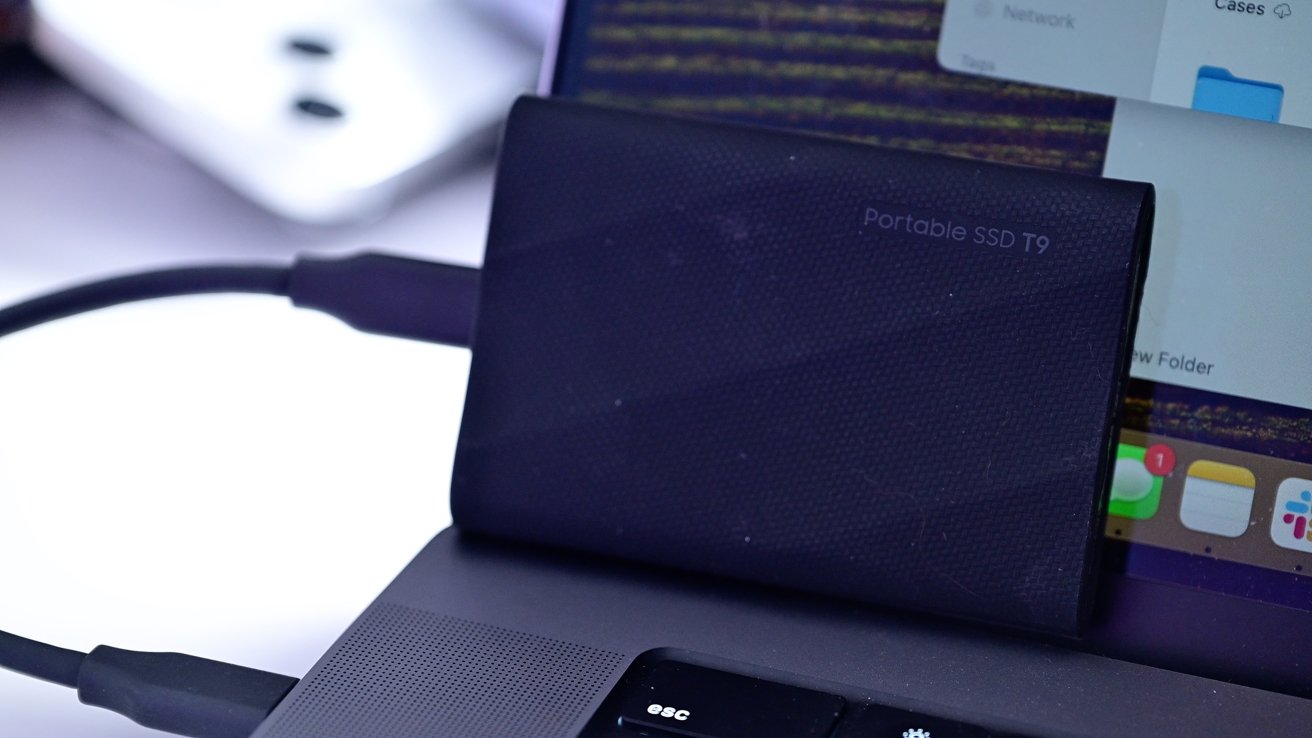
Samsung T9 against the MacBook display
When or if Apple fully supports USB 3.2 2×2, there will be larger benefits to the T9.
Samsung T9 SSD review: Should you buy the newest SSD?
Historically, we’ve been happy users of Samsung’s T-series of portable SSDs for years and are excited about the new T9. With our video production, we’re often moving larger files that surpass the 50GB cache of the T7.
We may not see the full speed that the T9 can offer, but it was undeniably faster than our T7 and many other SSDs in our kit.
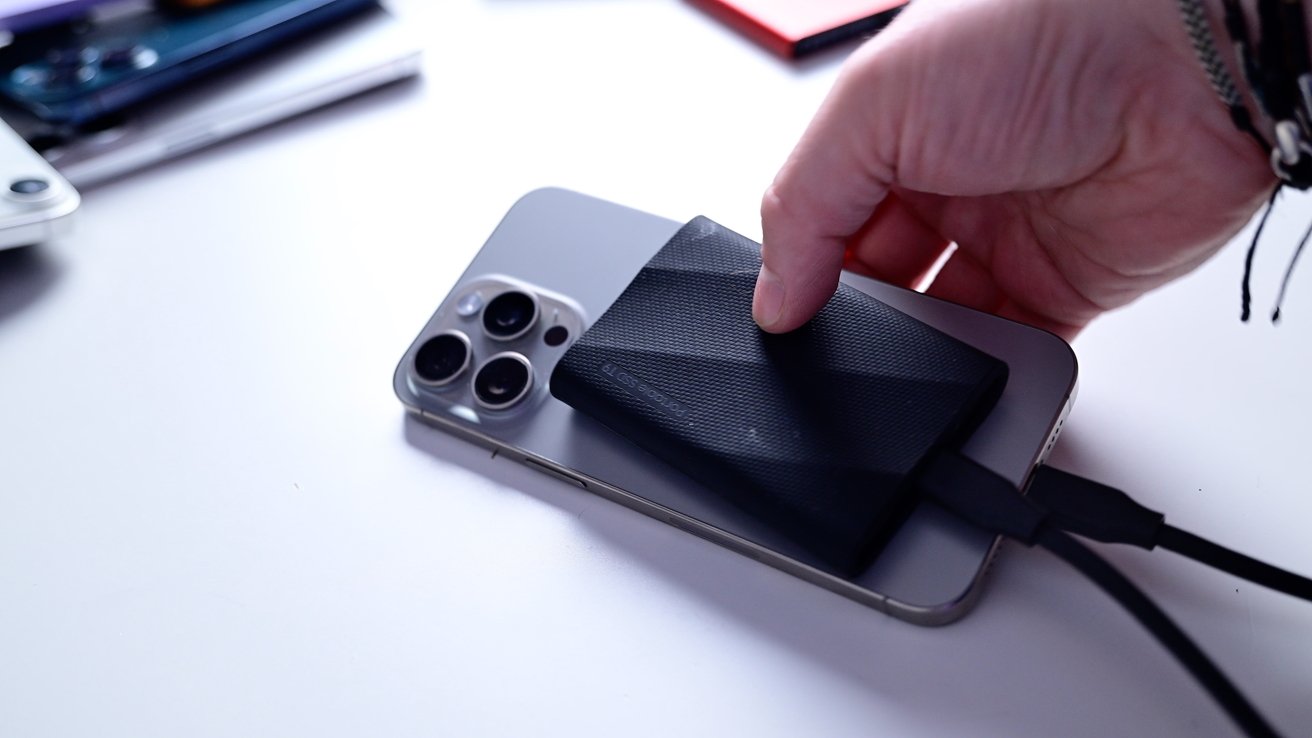
Samsung T9 connected to iPhone 15 Pro Max
It would be great to see new color options or even an all-metal version for those who don’t need or want the rubber exterior. If all metal, we’d have considered sticking it to the back of our iPhone 15 Pro with MagSafe and using it for portable filming.
As always, the Samsung T9 SSD is fast, reliable, and is a solid addition to any gear bag. It comes with two cables in the box and backed up by a five-year warranty in 1TB, 2TB, and 4TB configurations.
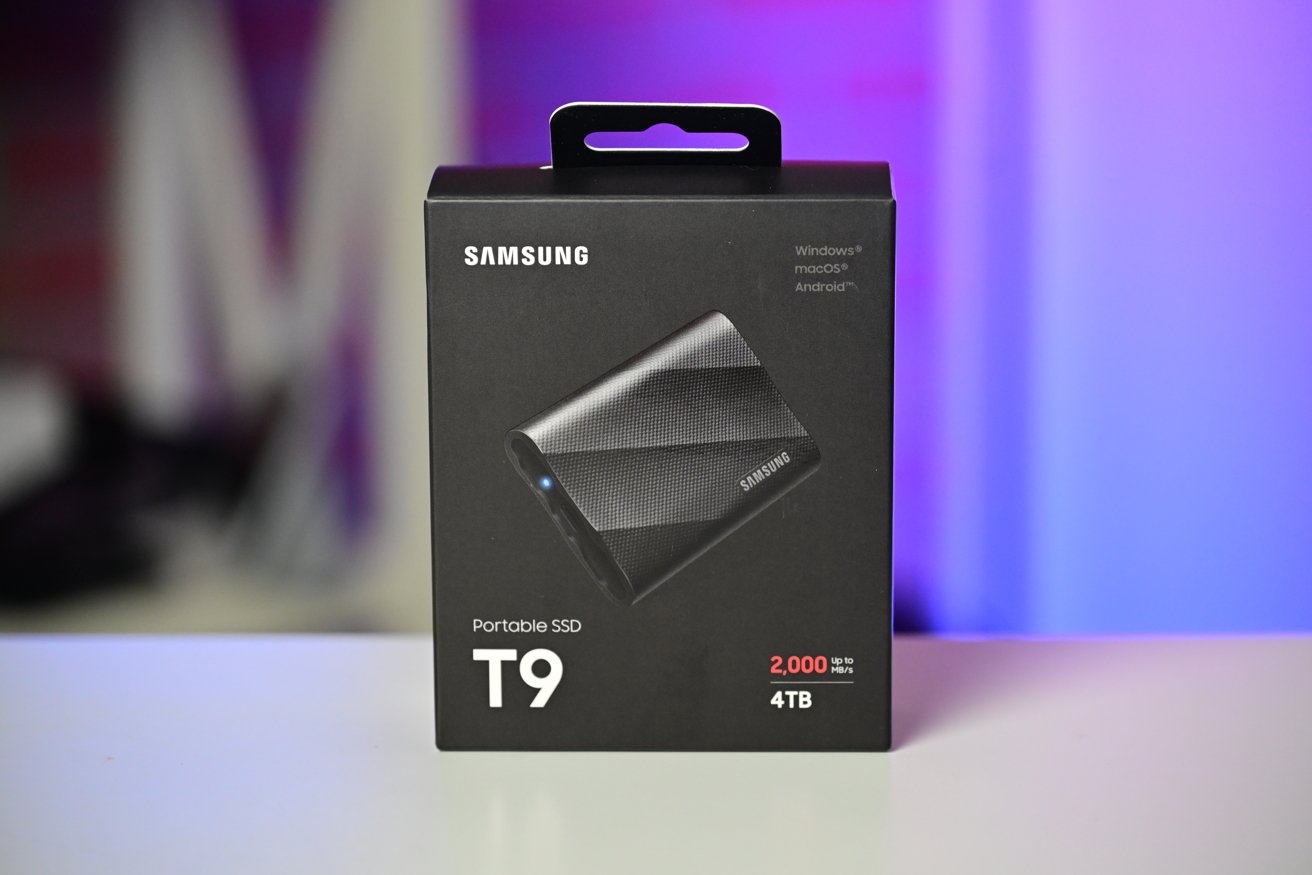
Samsung T9 SSD box
Samsung T9 SSD review: Pros
- Compact, rugged design
- Speed improvements, with an asterisk
- Affordable
Samsung T9 SSD review: Cons
- Collects dust
- Mac still doesn’t fully support USB 3.2 2×2
- No color or style options at launch
Rating: 4 out of 5
This would be a 5 out of 5 if Apple supported USB 3.2 2×2 to the fullest and Mac users could get even more performance out of this drive. For now, the T7 Shield is an adequate alternative to save some money if you have smaller file sizes.
Where to buy the Samsung T9 SSD
The Samsung T9 SSD is available from Amazon starting from $129.99.










![Is this purple iPhone 14 Pro the real deal? [The CultCast]](https://behalfofapple.com/wp-content/uploads/2022/05/CultCast-546-120x86.jpg?crop=1)

